


Academy From Excel and email to workflow
Episode 8 of 10
A workflow must never fail silently
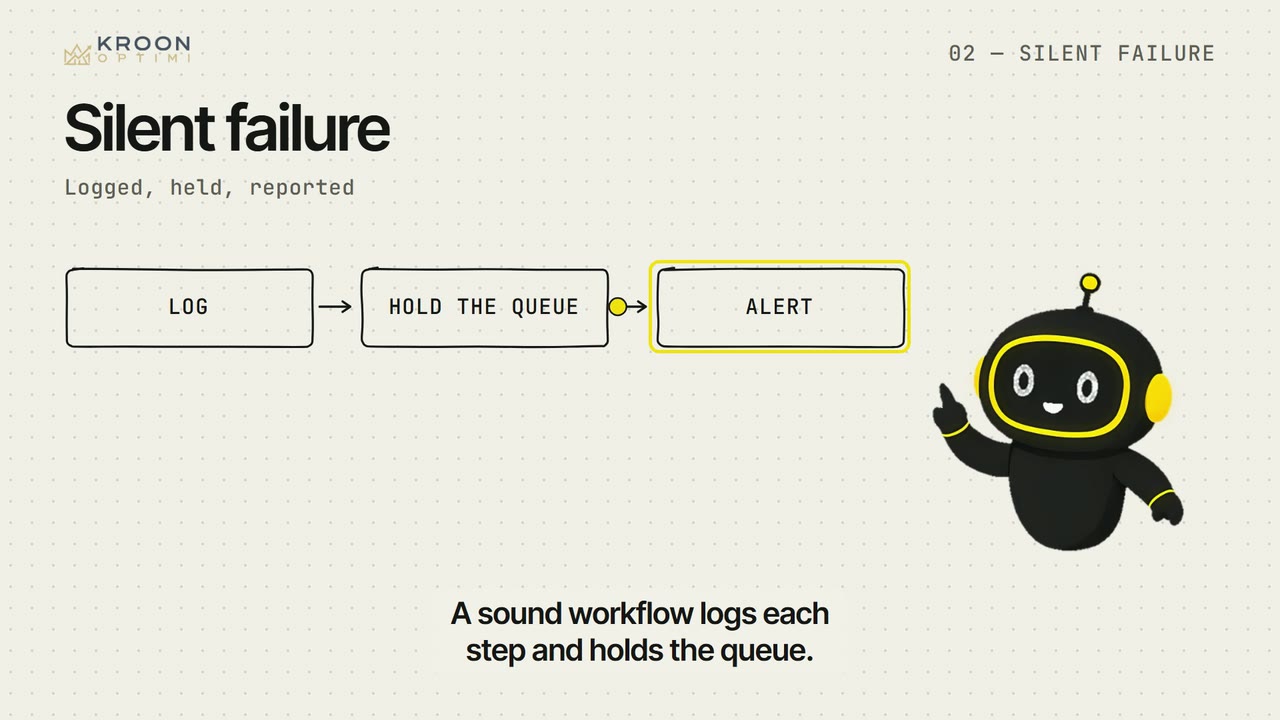
A workflow that silently stops is worse than none, because everyone thinks it is handled.
Check yourself
Your accounting system is offline for an hour. What should a good workflow do?
Nothing should disappear or stall quietly. The queue waits, someone knows, and it picks up again.
Show text
03 · Basic
From Excel and email to workflow
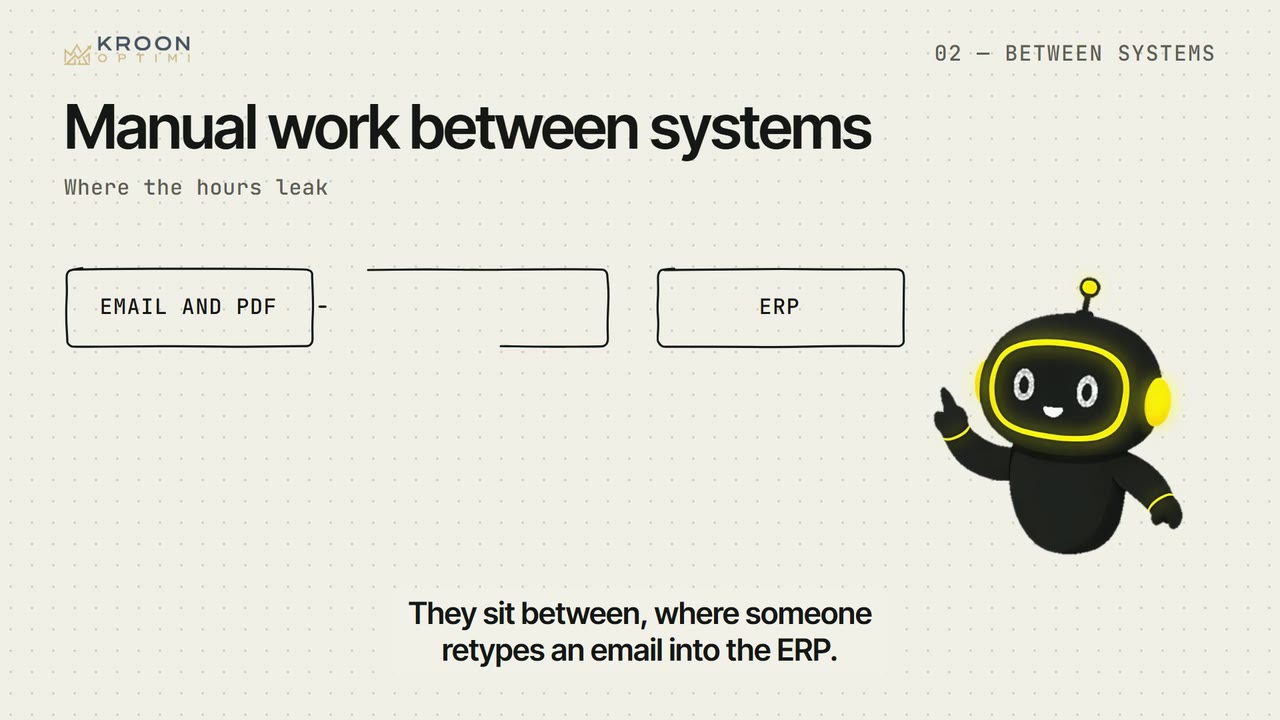
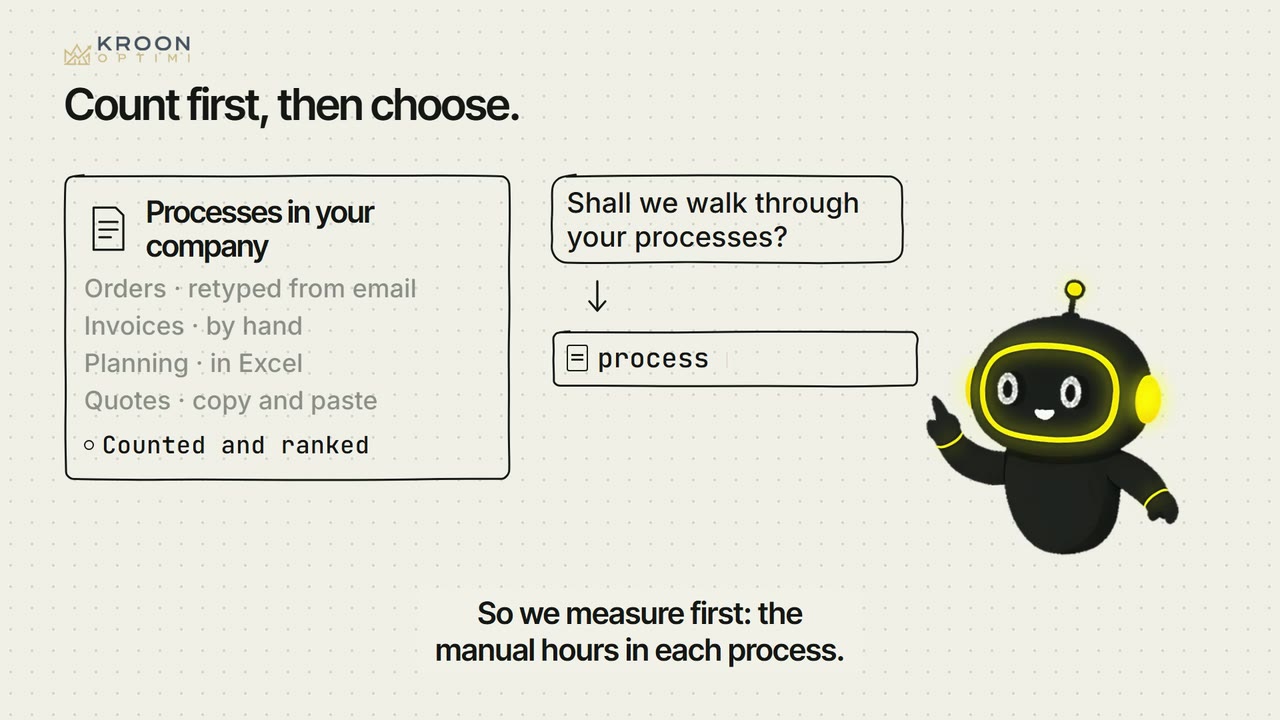
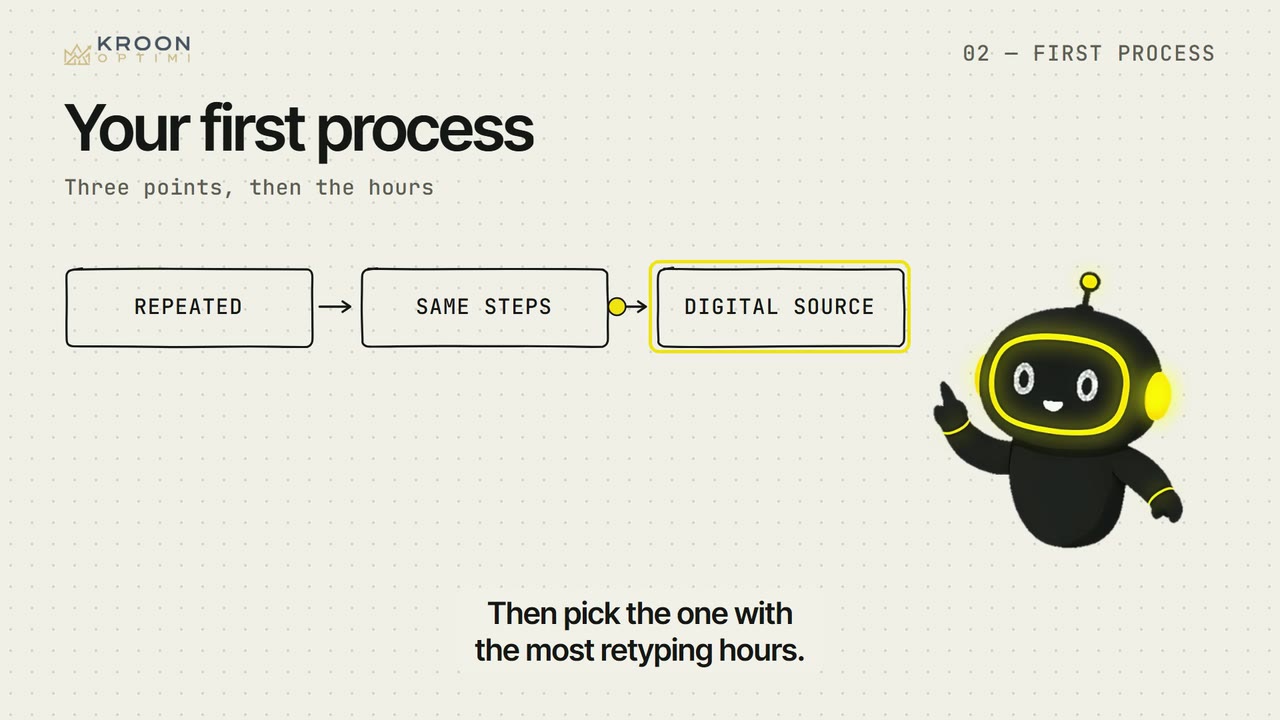
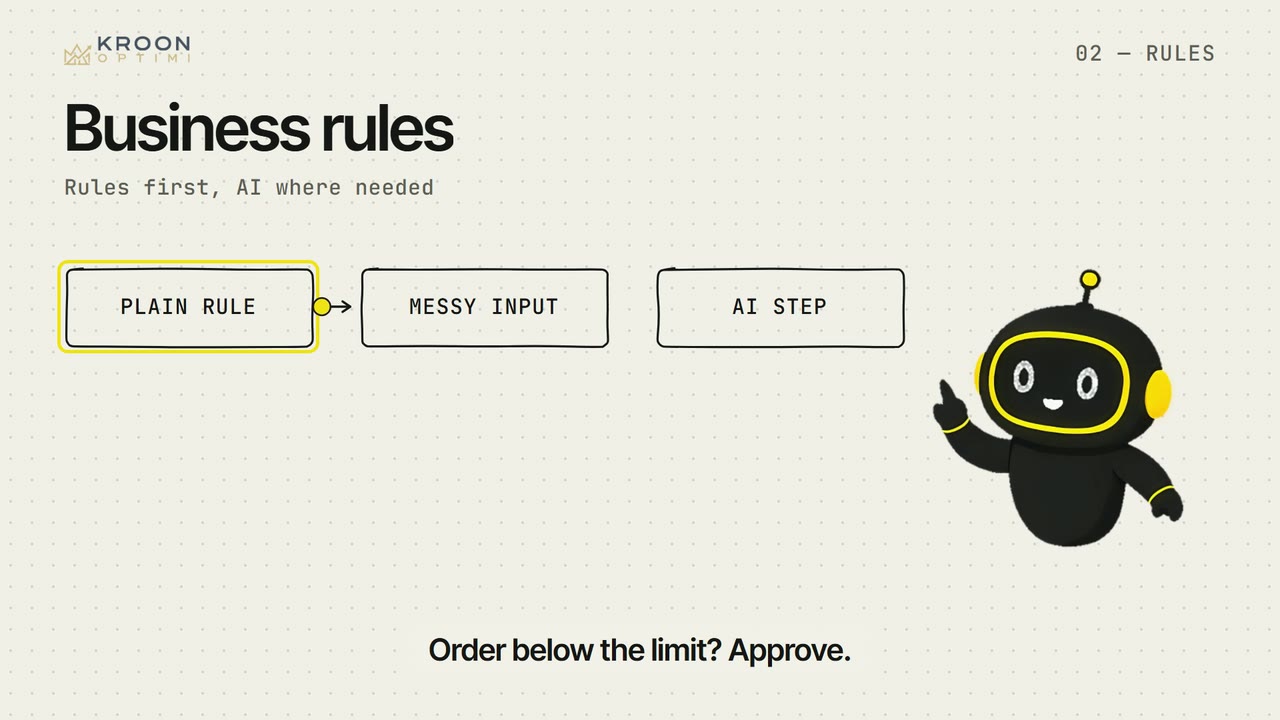
Where the hours leak, which process to automate first, and how to keep a person in control. The way Optimi works, taught as a method.


After this series you can:
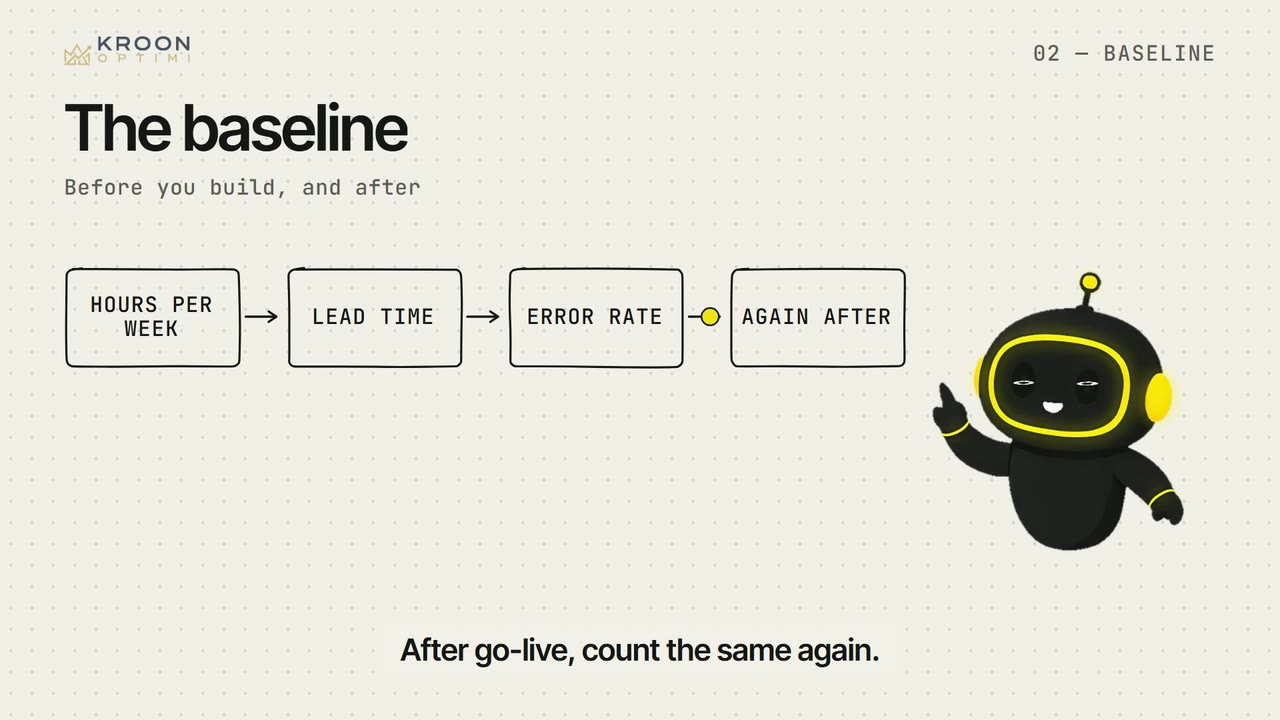
- You point out where the manual hours sit and count them, before building and after.
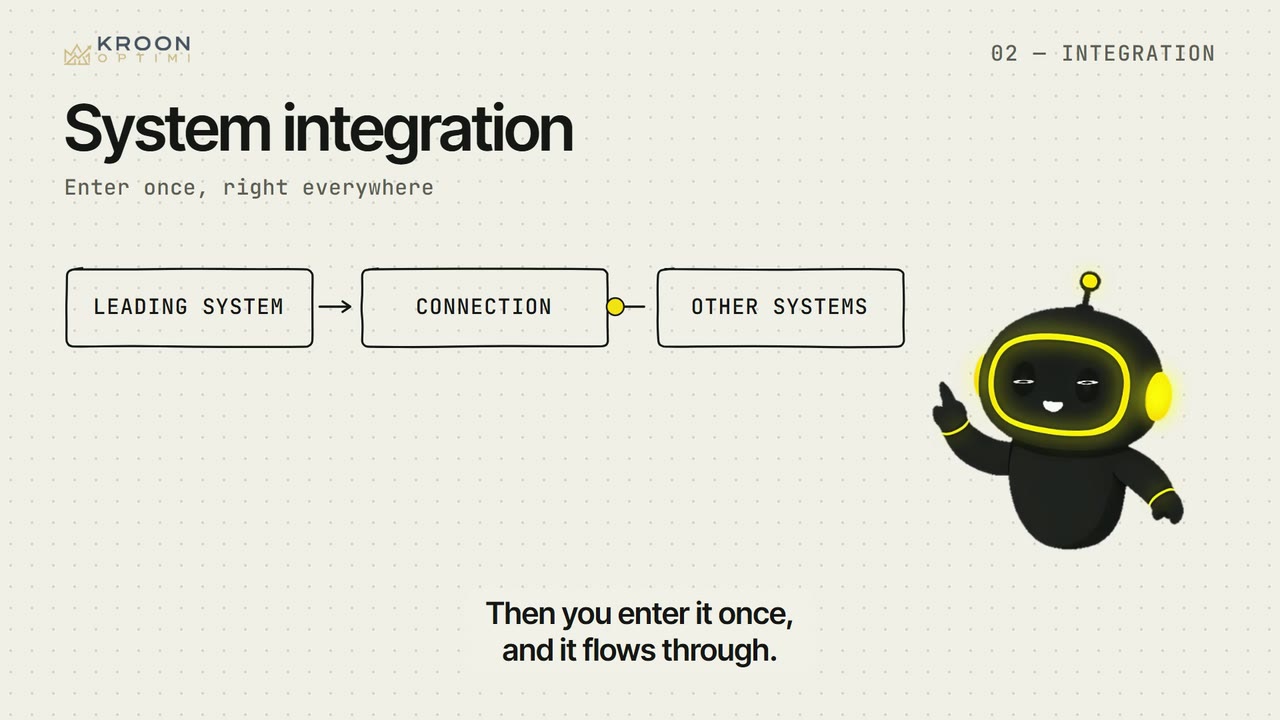
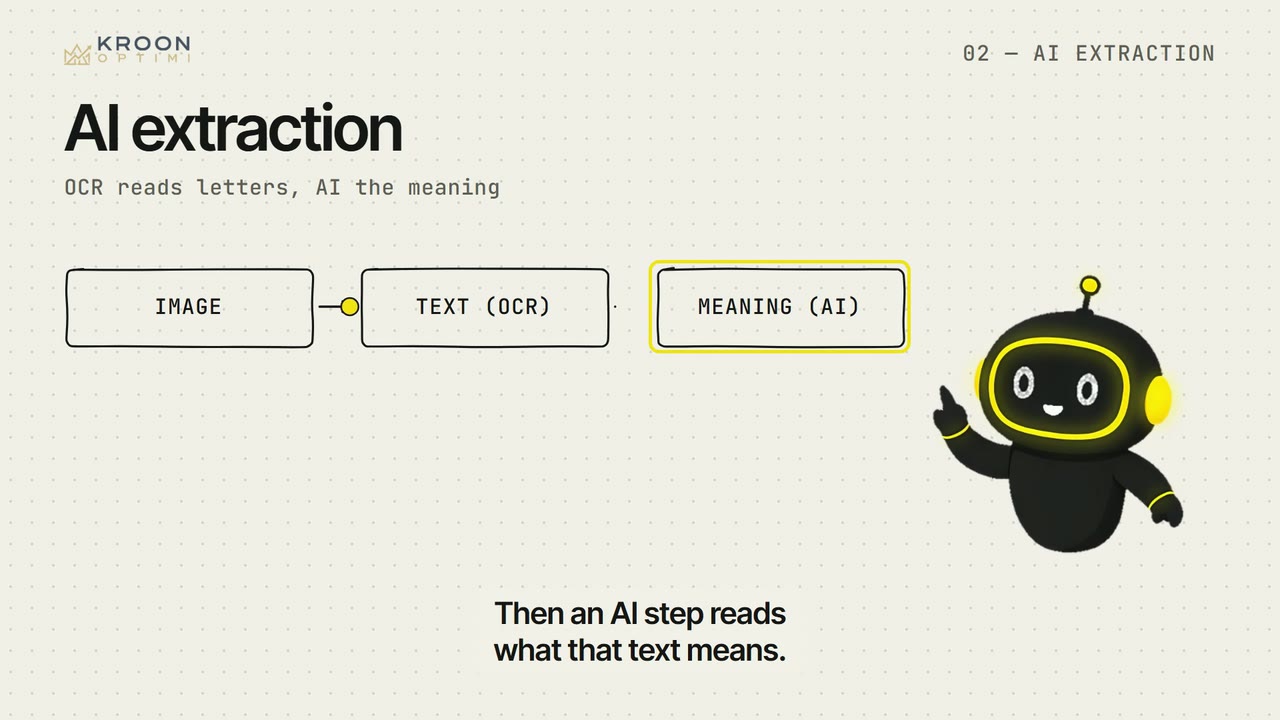
- You pick the first process and decide per step whether a rule, a connection or AI fits.
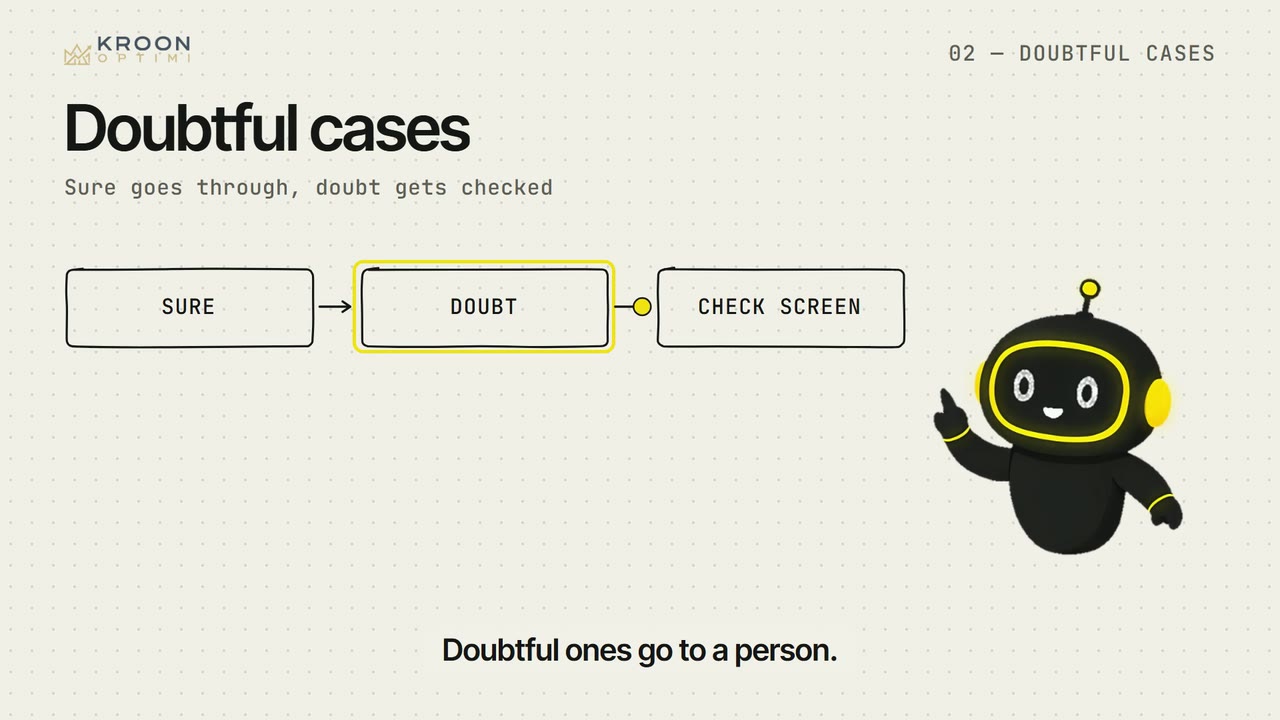
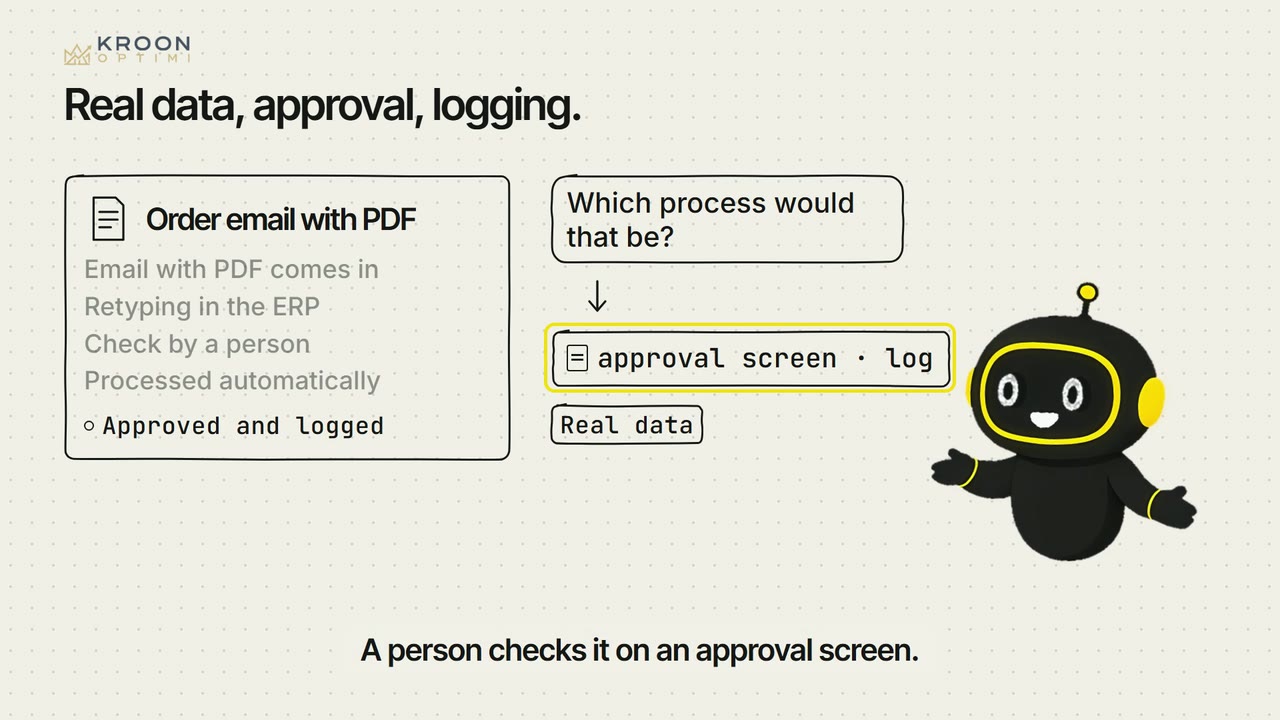
- You require a workflow to have a review screen for doubtful cases, a log and an alert when it stalls.