


Academy From Excel and email to workflow
Episode 7 of 10
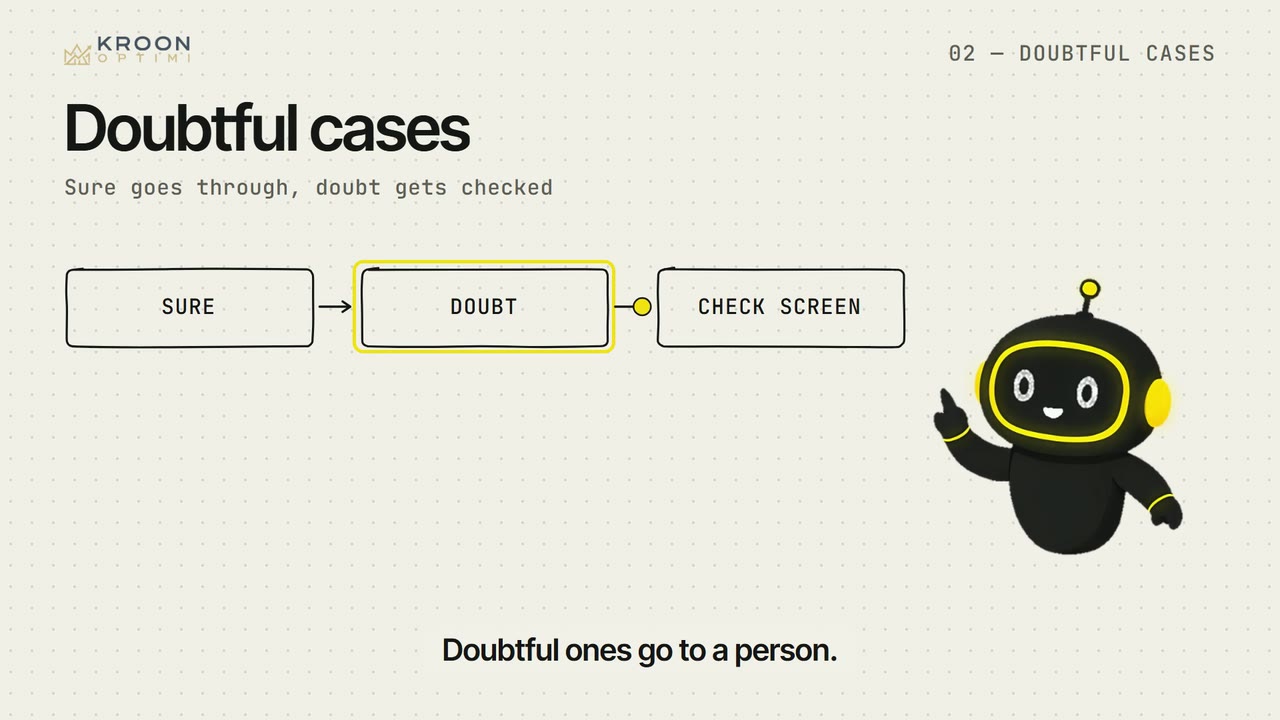
The queue for doubtful cases
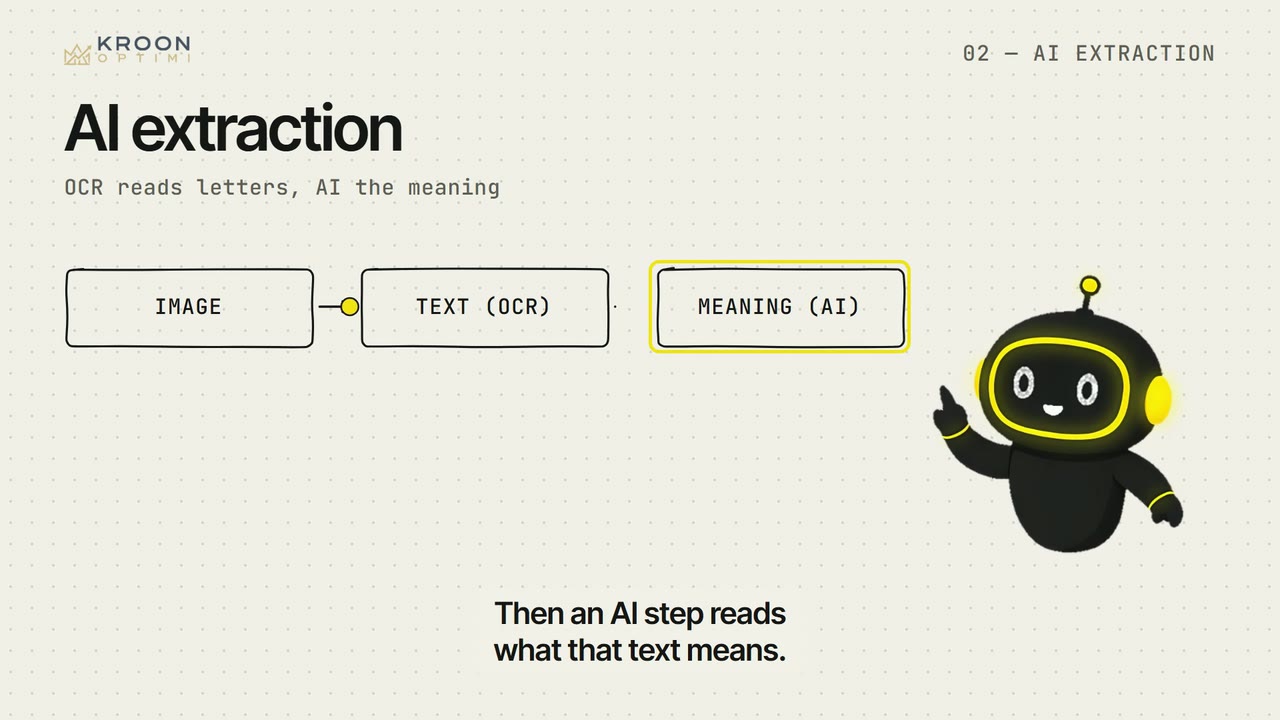
The model says per field how sure it is.
Check yourself
A colleague says: 'Once it is automated, nobody needs to look at invoices.' What is true?
Your colleague checks three doubtful fields instead of thirty. Approval, exceptions and improvement stay with people.
Show text
03 · Basic
From Excel and email to workflow
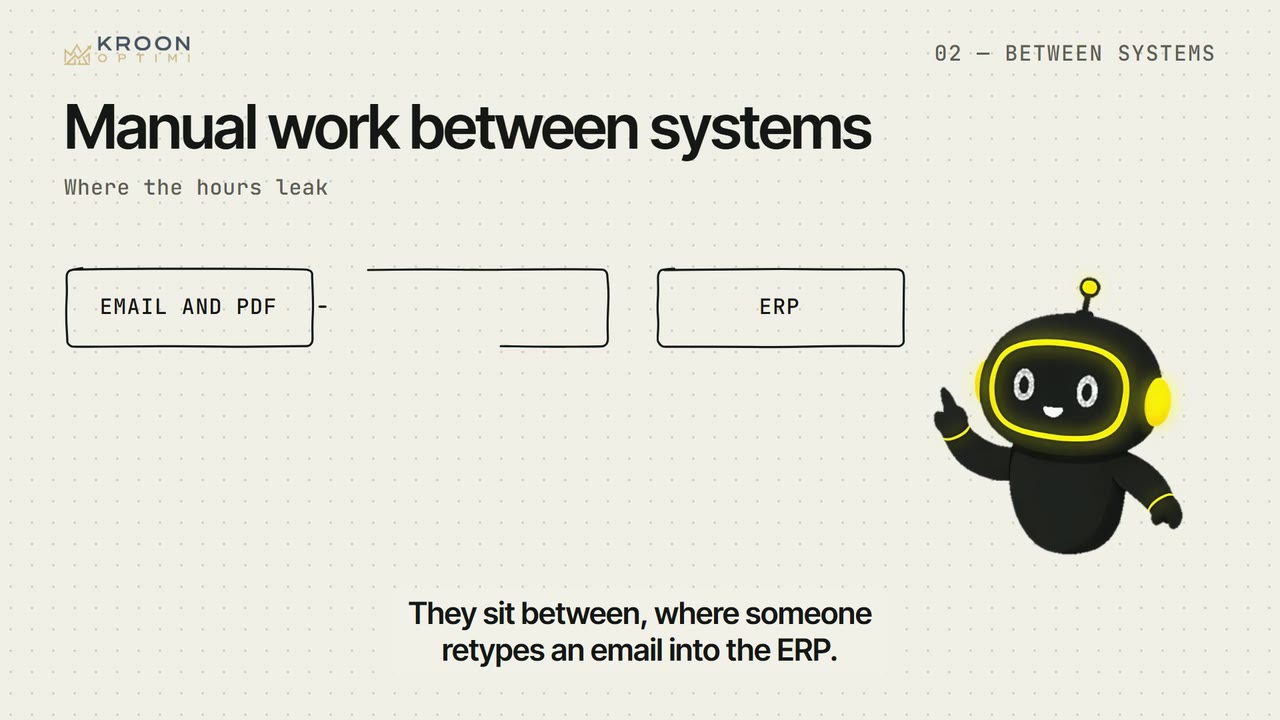
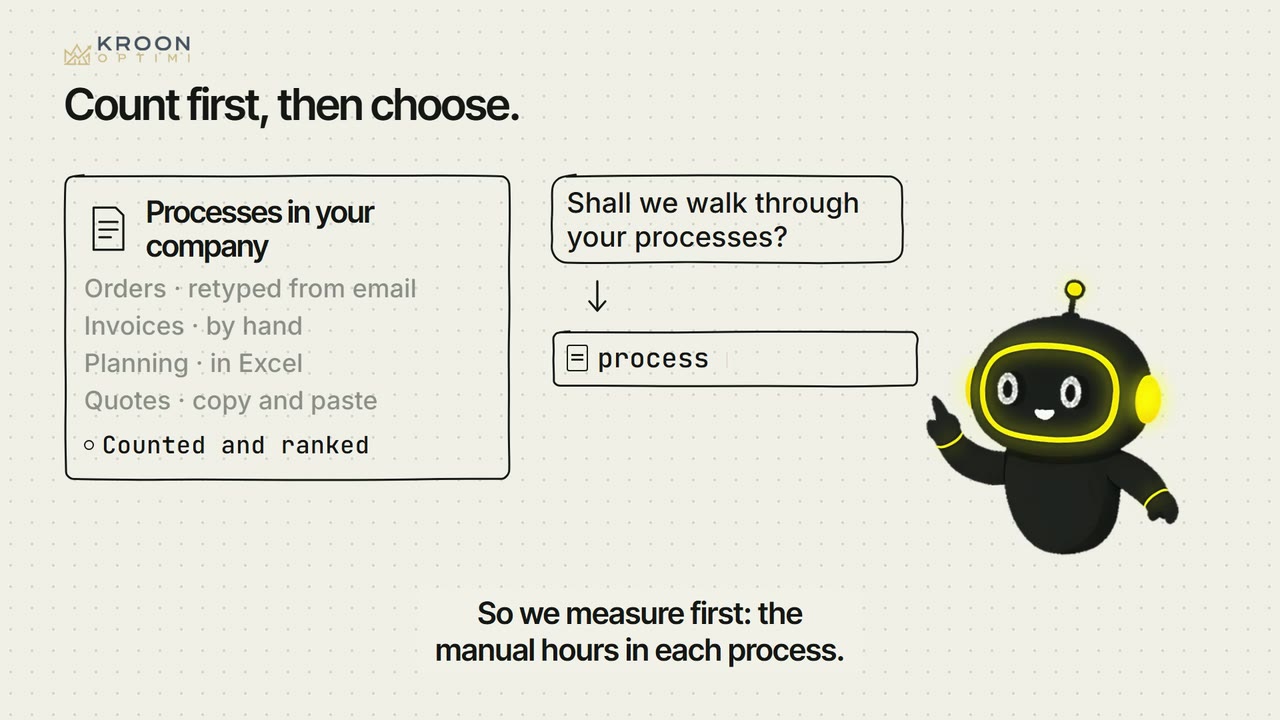
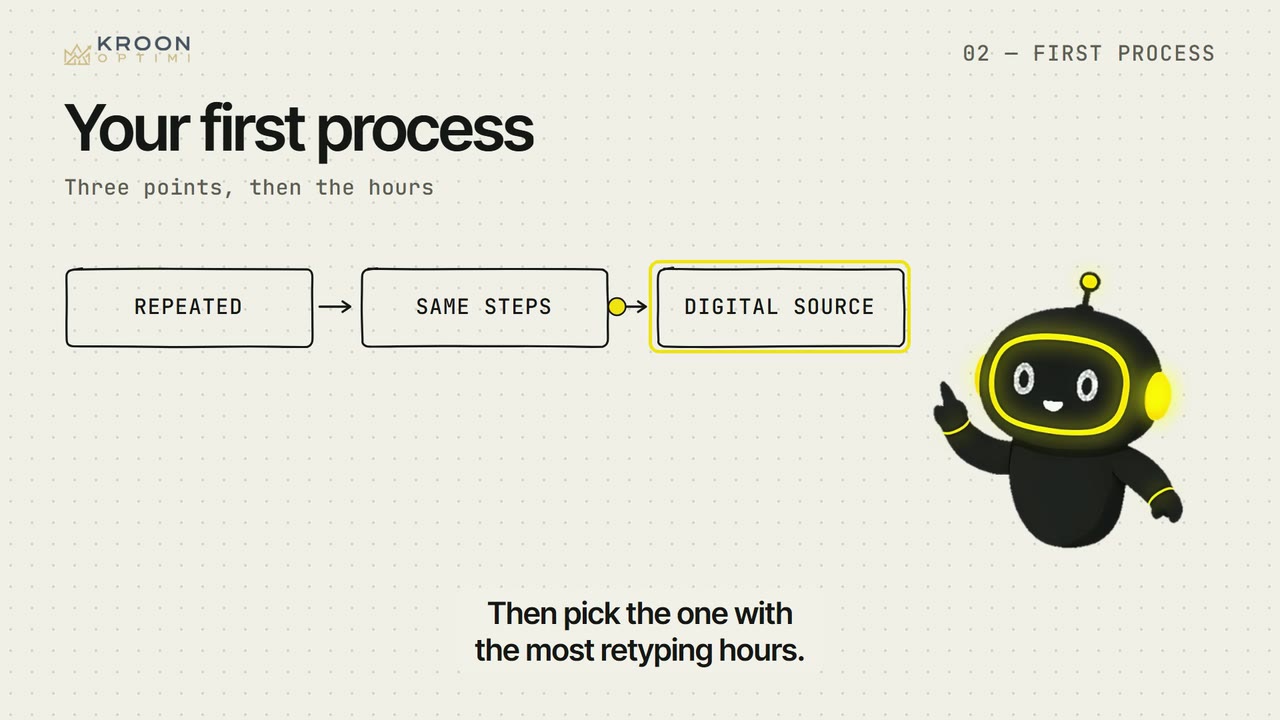
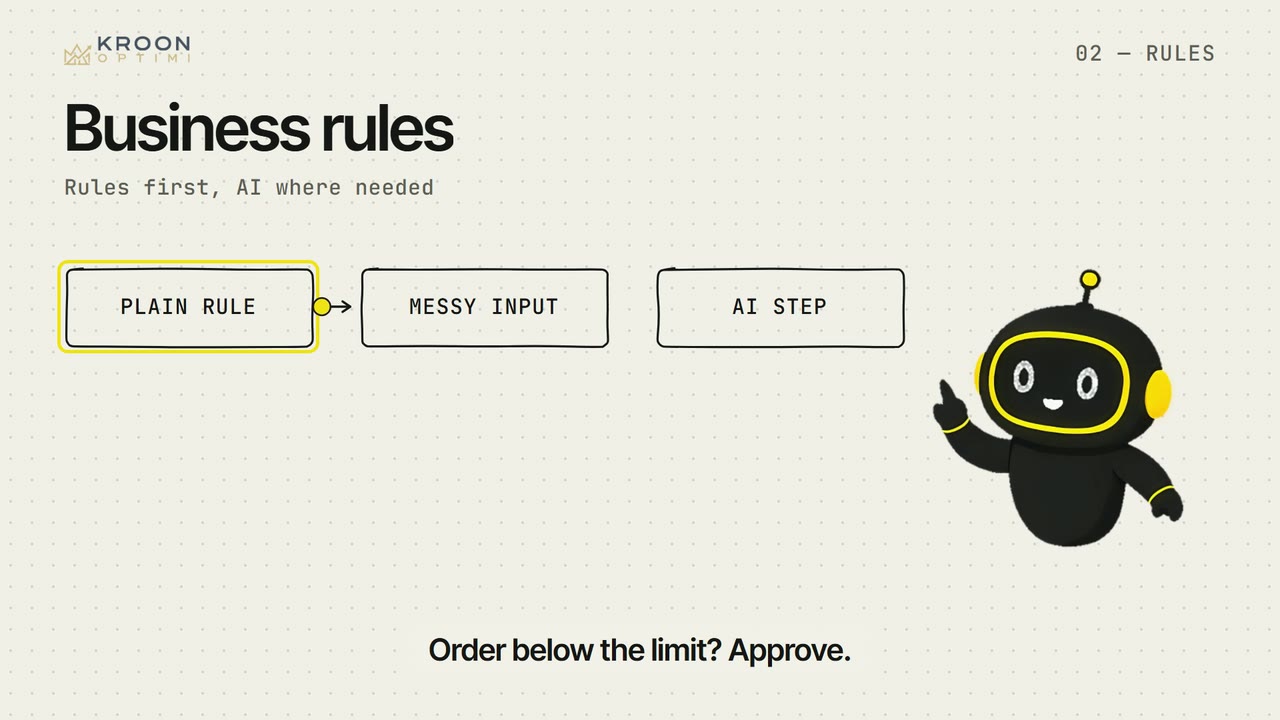
Where the hours leak, which process to automate first, and how to keep a person in control. The way Optimi works, taught as a method.


After this series you can:
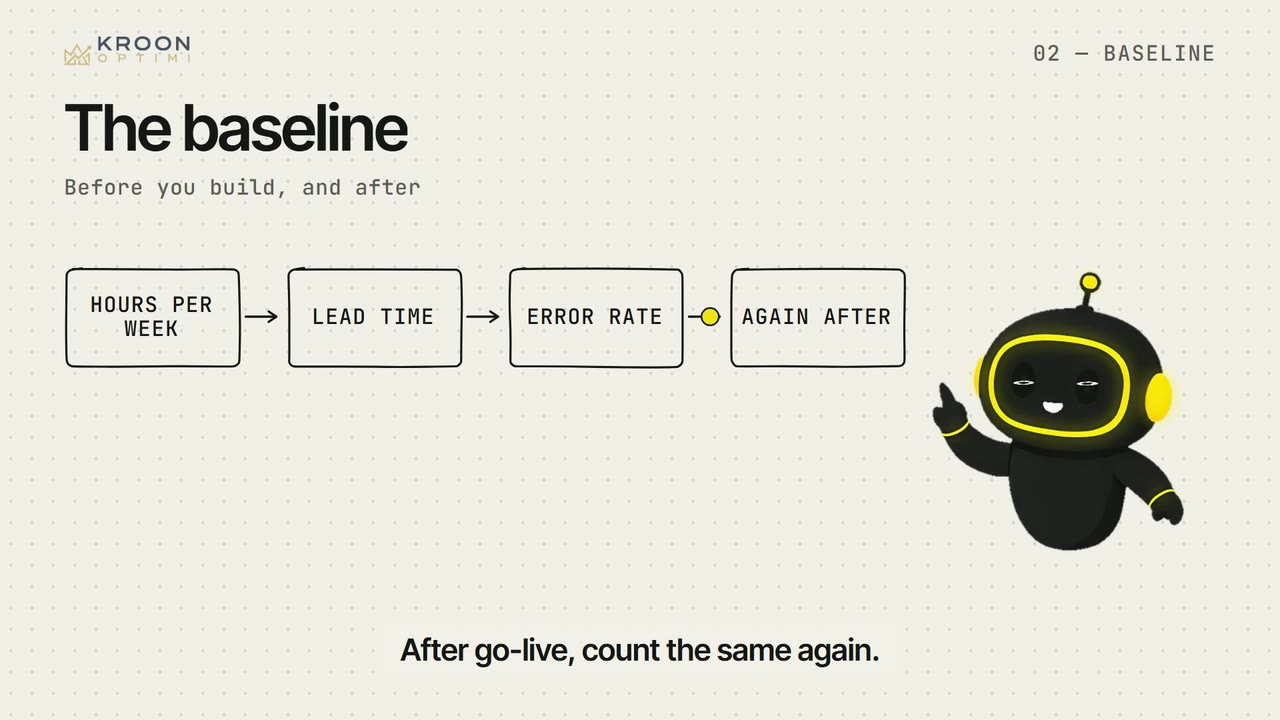
- You point out where the manual hours sit and count them, before building and after.
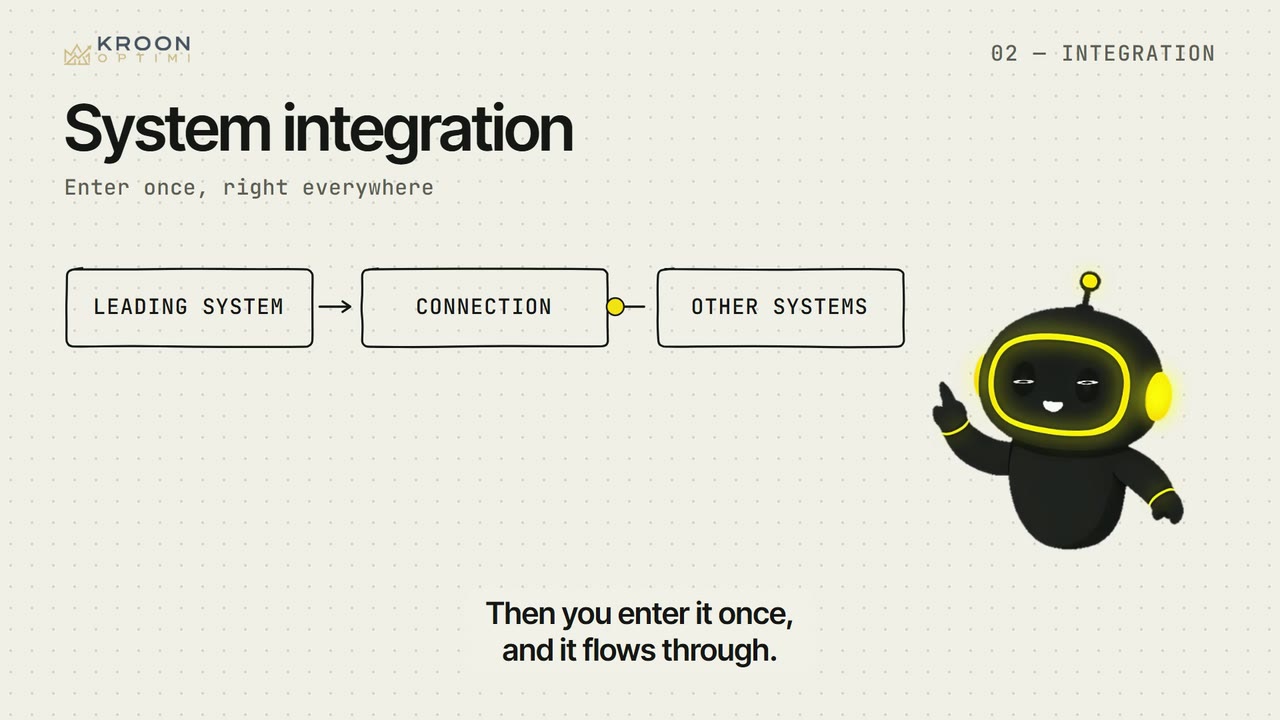
- You pick the first process and decide per step whether a rule, a connection or AI fits.
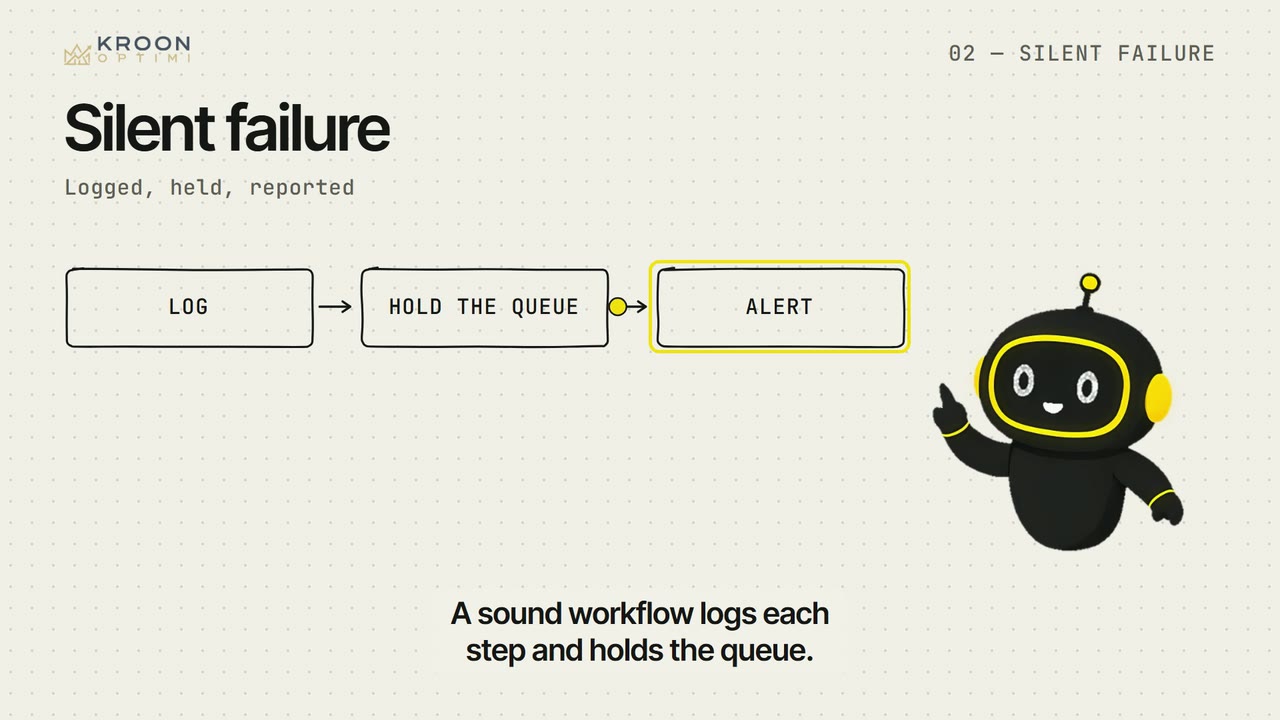
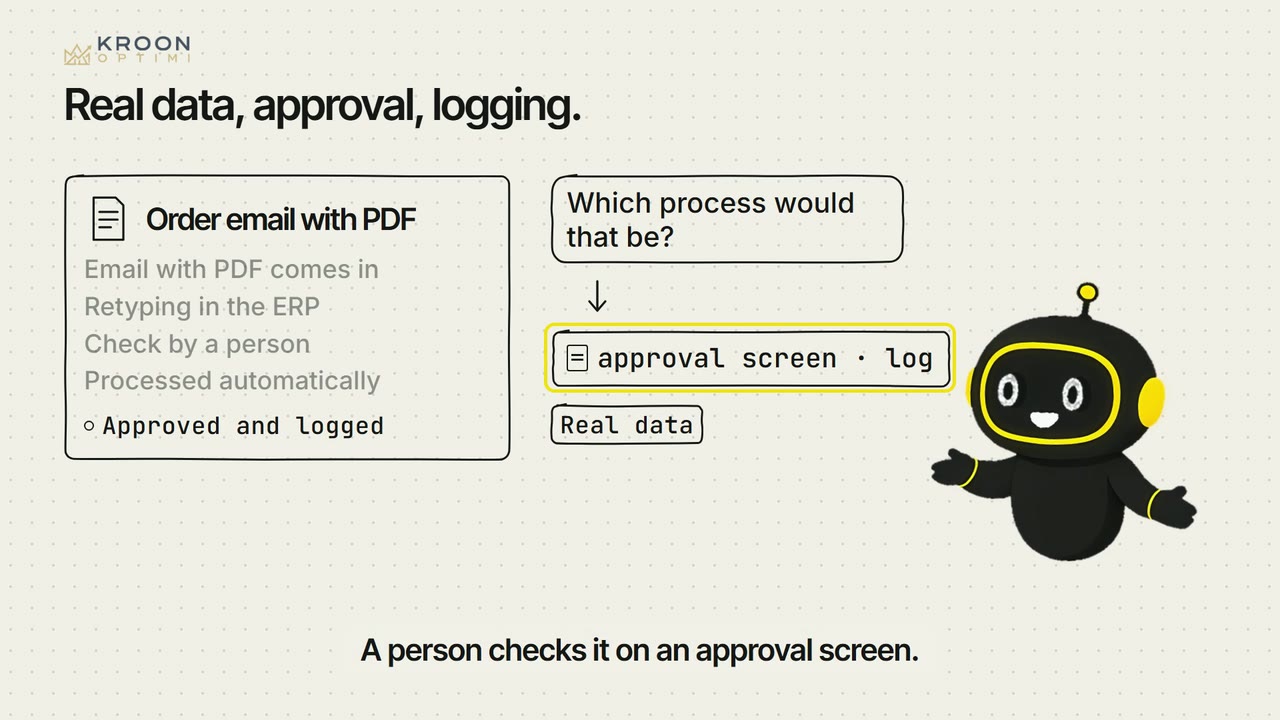
- You require a workflow to have a review screen for doubtful cases, a log and an alert when it stalls.