


Series
From Excel and email to workflow
Where the hours leak, which process to automate first, and how to keep a person in control. The way Optimi works, taught as a method.
After this series you can:
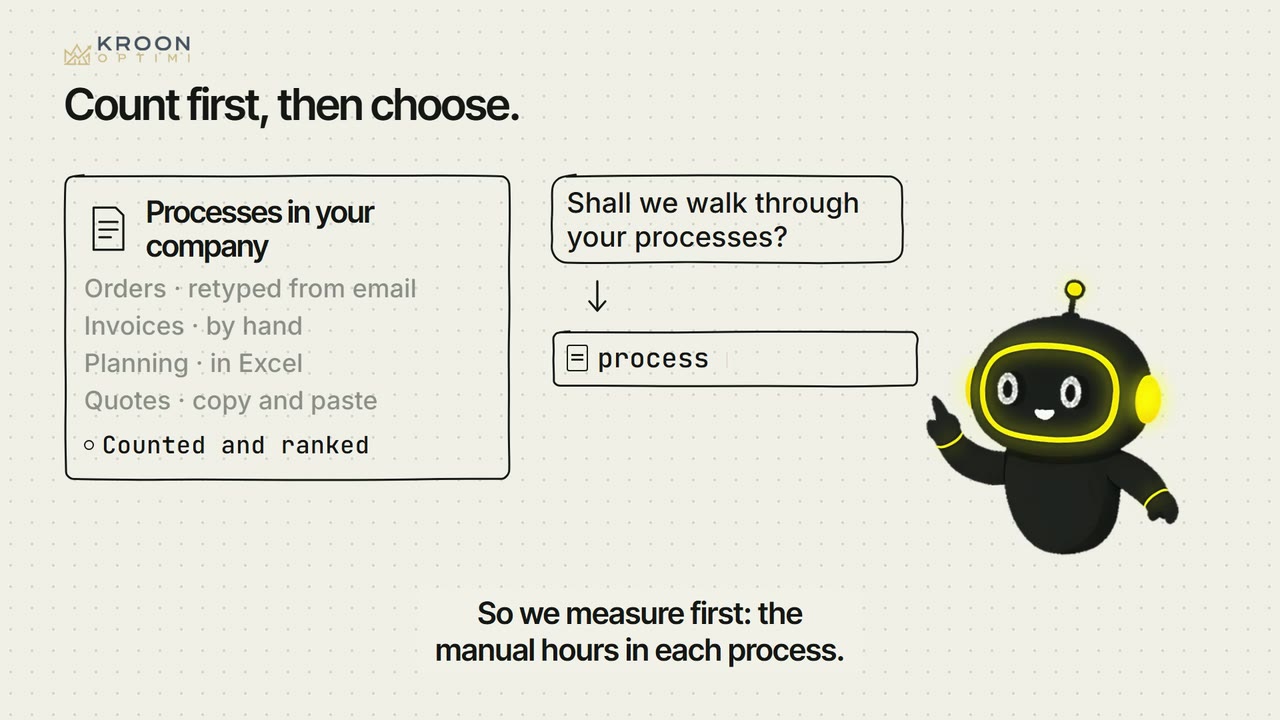
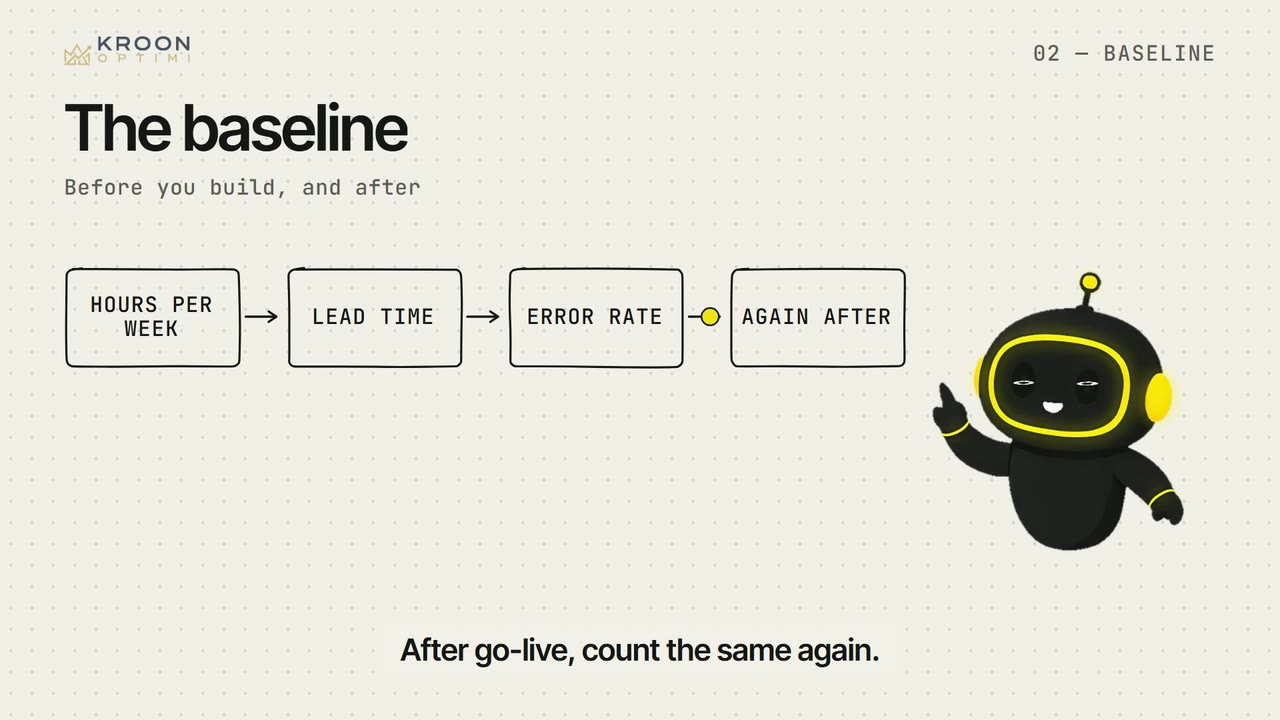
- You point out where the manual hours sit and count them, before building and after.
- You pick the first process and decide per step whether a rule, a connection or AI fits.
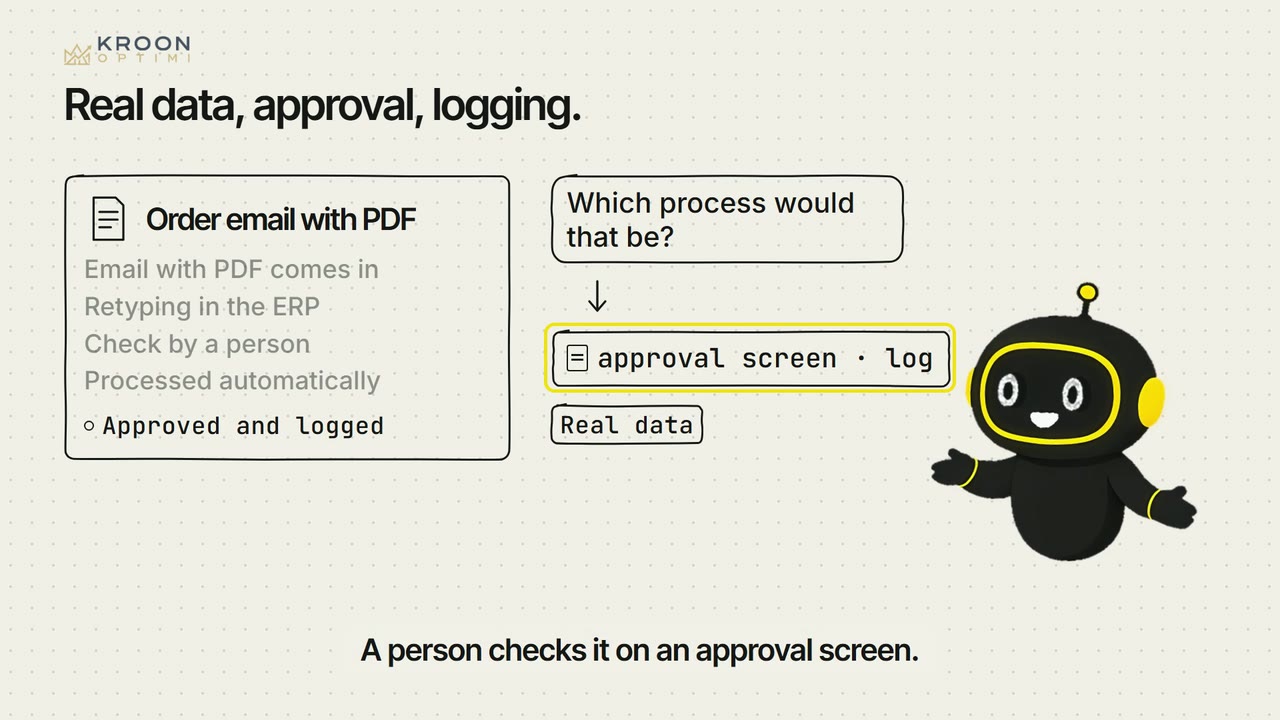
- You require a workflow to have a review screen for doubtful cases, a log and an alert when it stalls.
03 · Basic
From Excel and email to workflow
Where the hours leak, which process to automate first, and how to keep a person in control. The way Optimi works, taught as a method.


What this series does not cover
- Which workflow platform or supplier to choose.
- What automation costs and what it returns in money.
- The rules for data and AI. Those are in the series 'AI and the rules'.
Terms
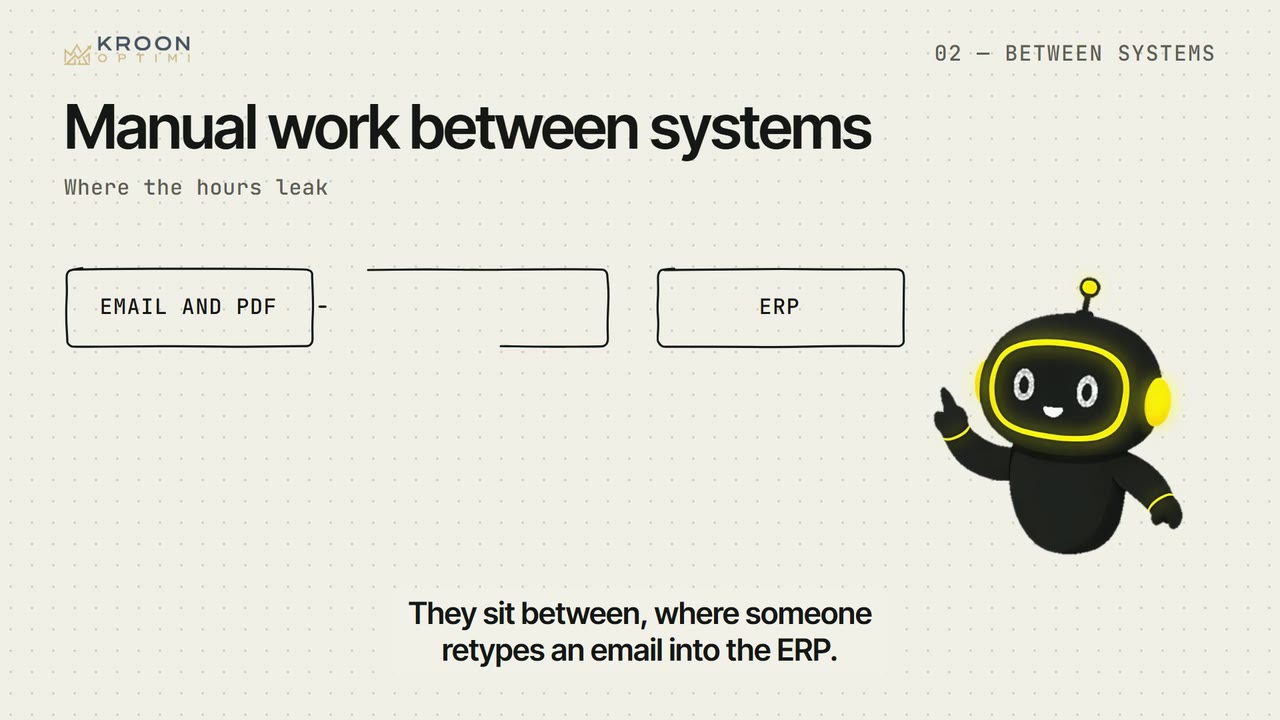
- manual work between systems
- Work where a person retypes data from one system into another.
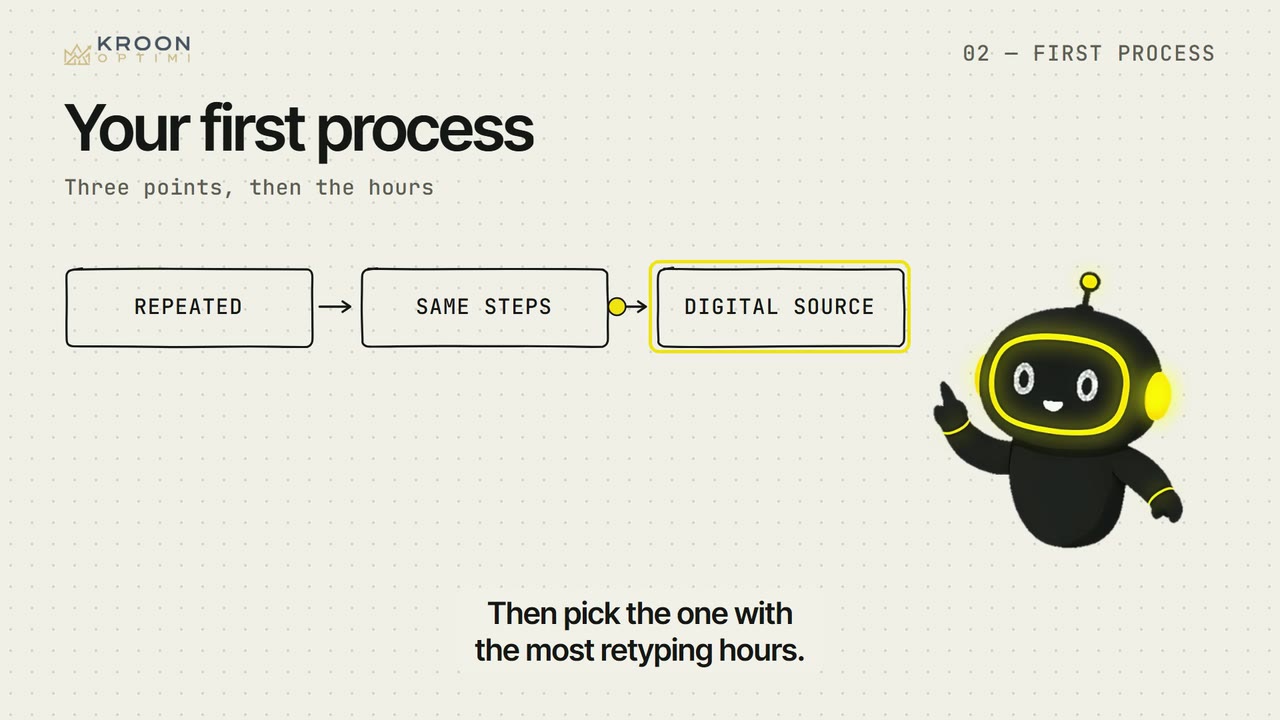
- first process
- The process to automate first: repeated, regular, and from a digital source.
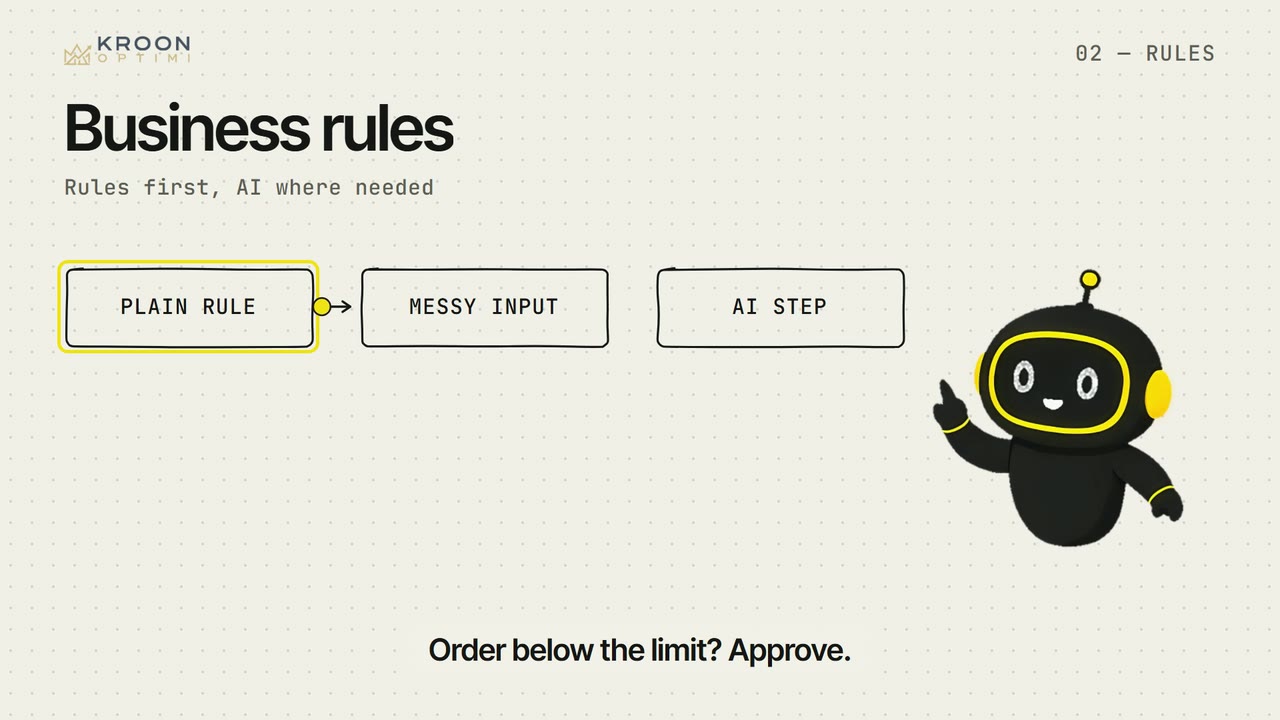
- business rules
- Fixed if-then steps in a workflow that anyone can read and check.
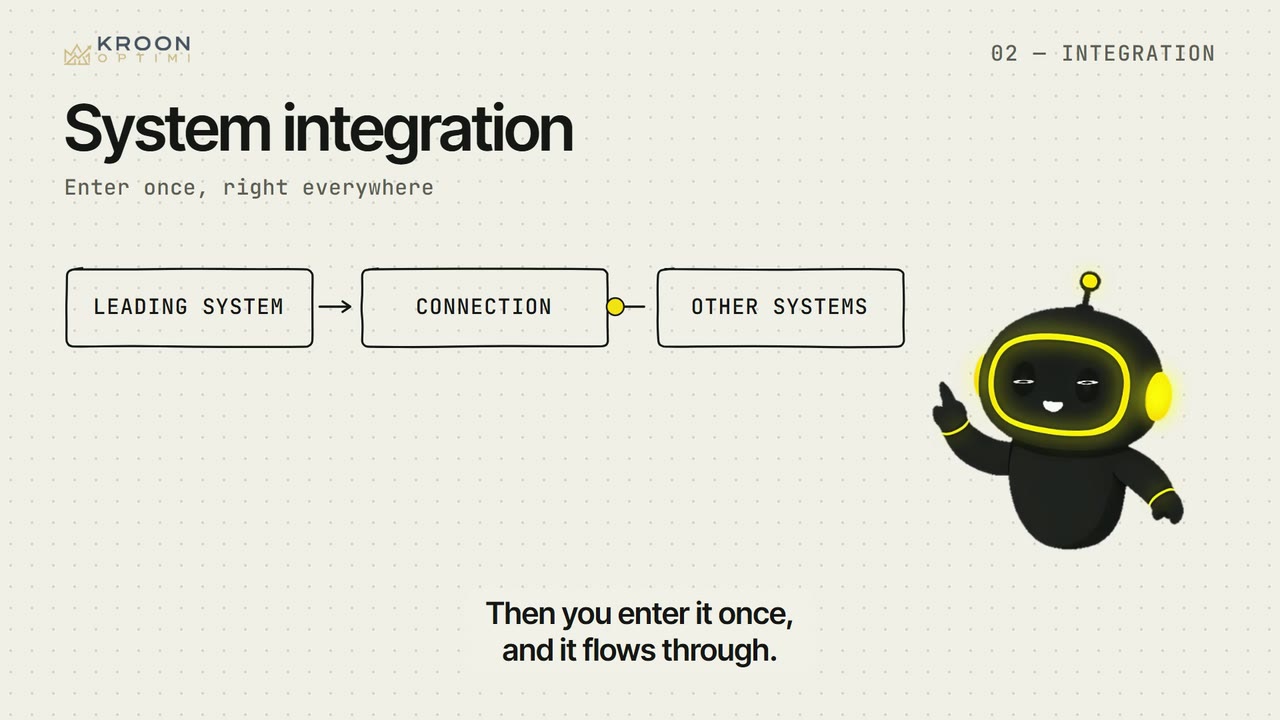
- system integration
- A link that moves data between systems, so you enter it only once.
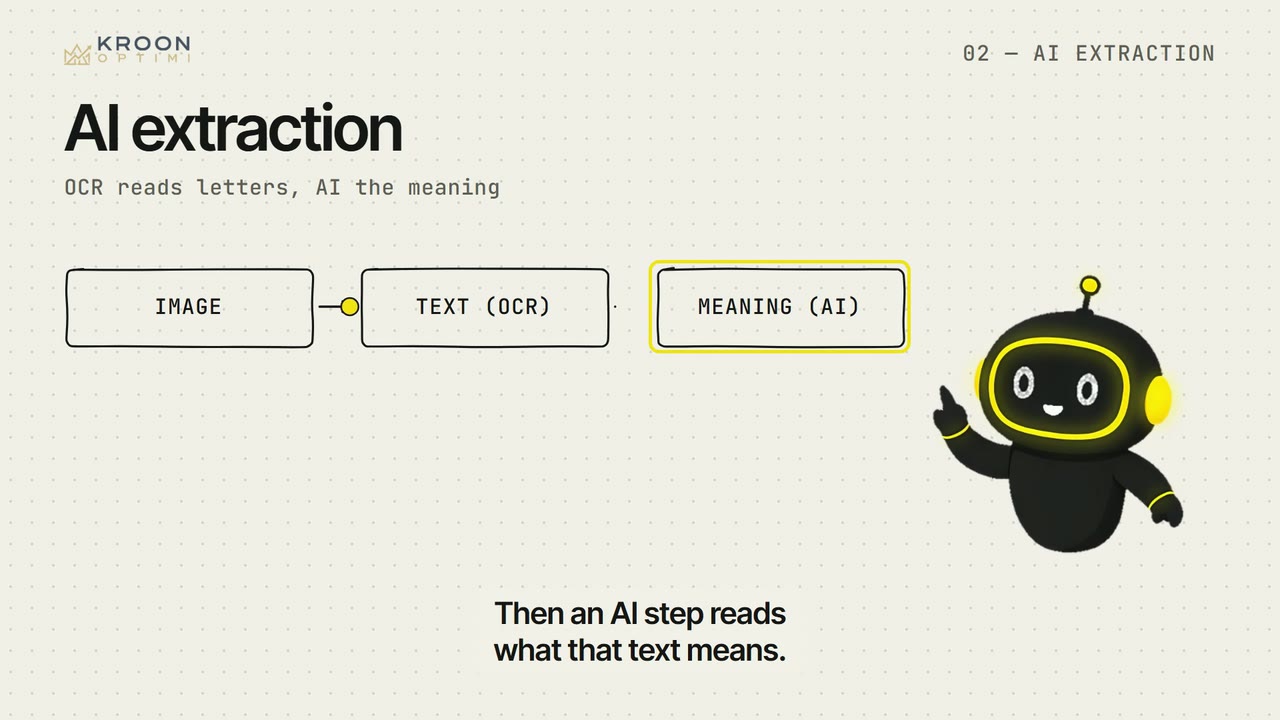
- AI extraction
- An AI step that finds fields in a document's text, even in a new layout.
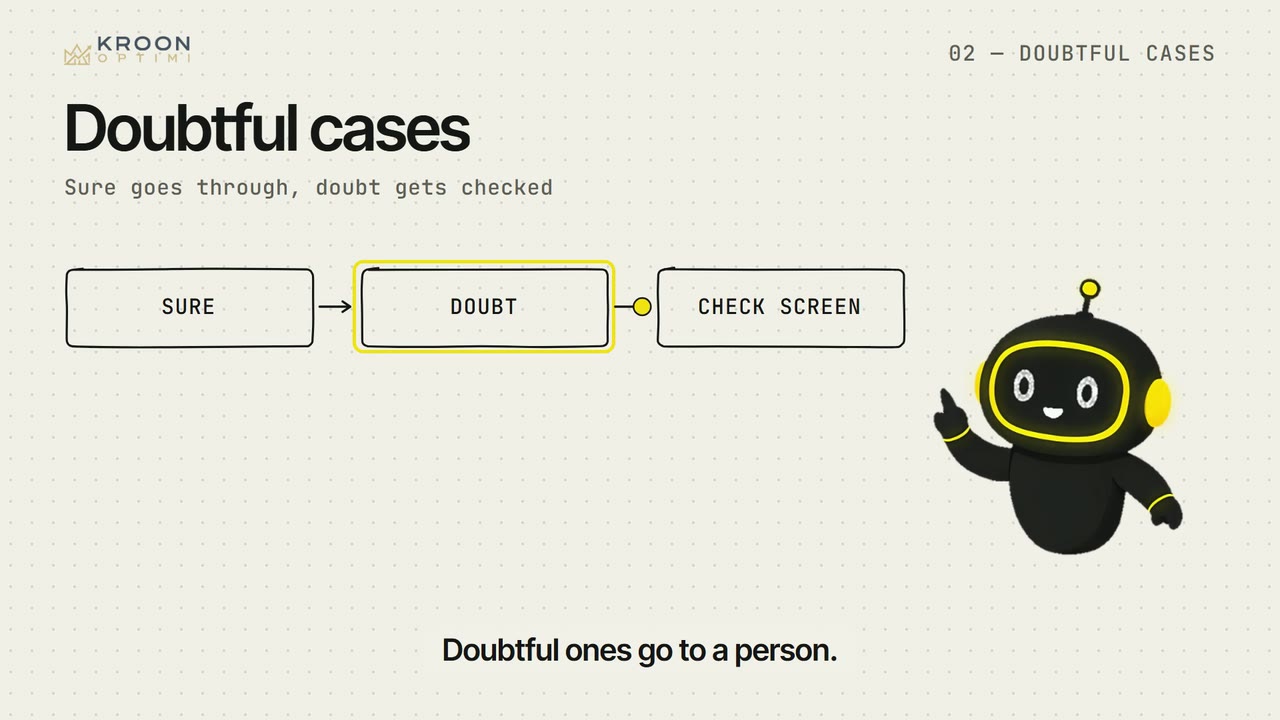
- doubtful cases
- Fields the model is unsure about, sent to a person to check.
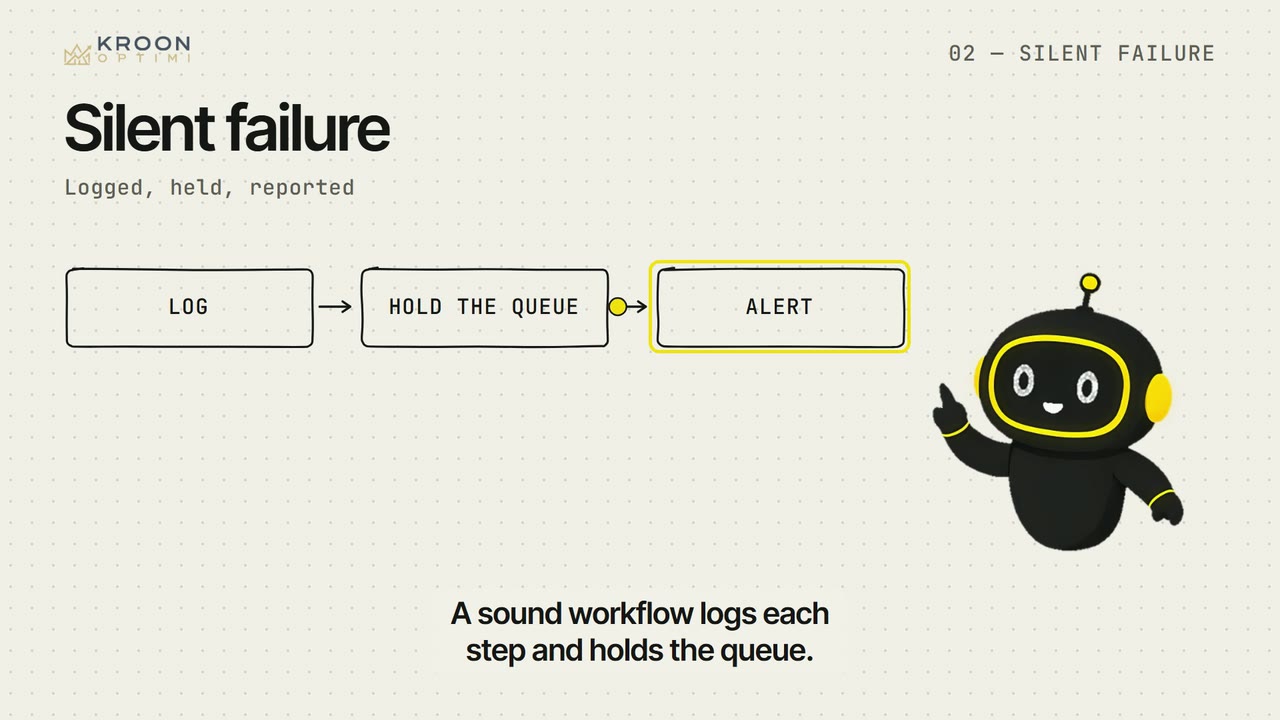
- silent failure
- A workflow that stops without telling anyone, so work quietly piles up.
- baseline
- The hours, lead time and error rate you write down before you build.
