


Academy Cloud without surprises
Episode 4 of 10
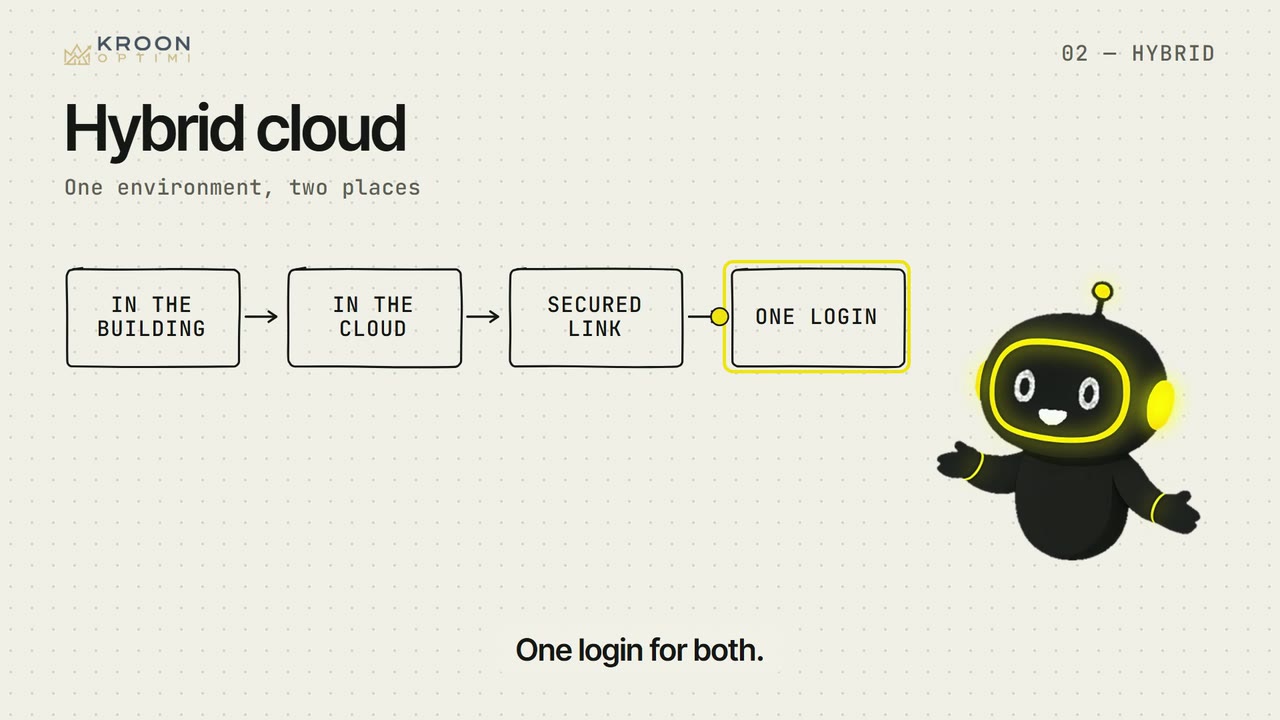
Hybrid: keep local what must stay local
Not everything has to go to the cloud: a machine in the workshop, an old application or data that may not leave the building can stay.
Check yourself
A machine in the workshop needs a fast response from the computer next to it. Where does that computer run?
A machine's control system wants a response time no internet connection gives you. That is a requirement, not a backlog.
Show text
07 · Basic
Cloud without surprises
What the cloud is, how you move without downtime, and a bill you can explain.


After this series you can:
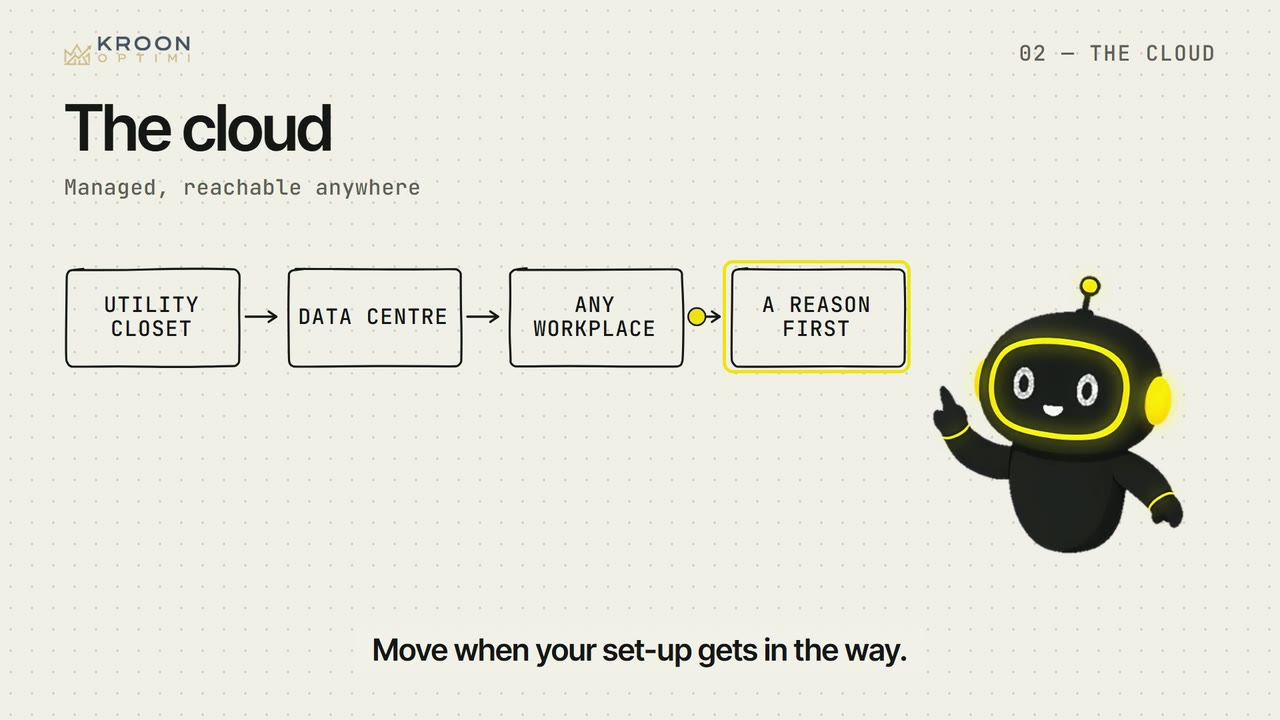
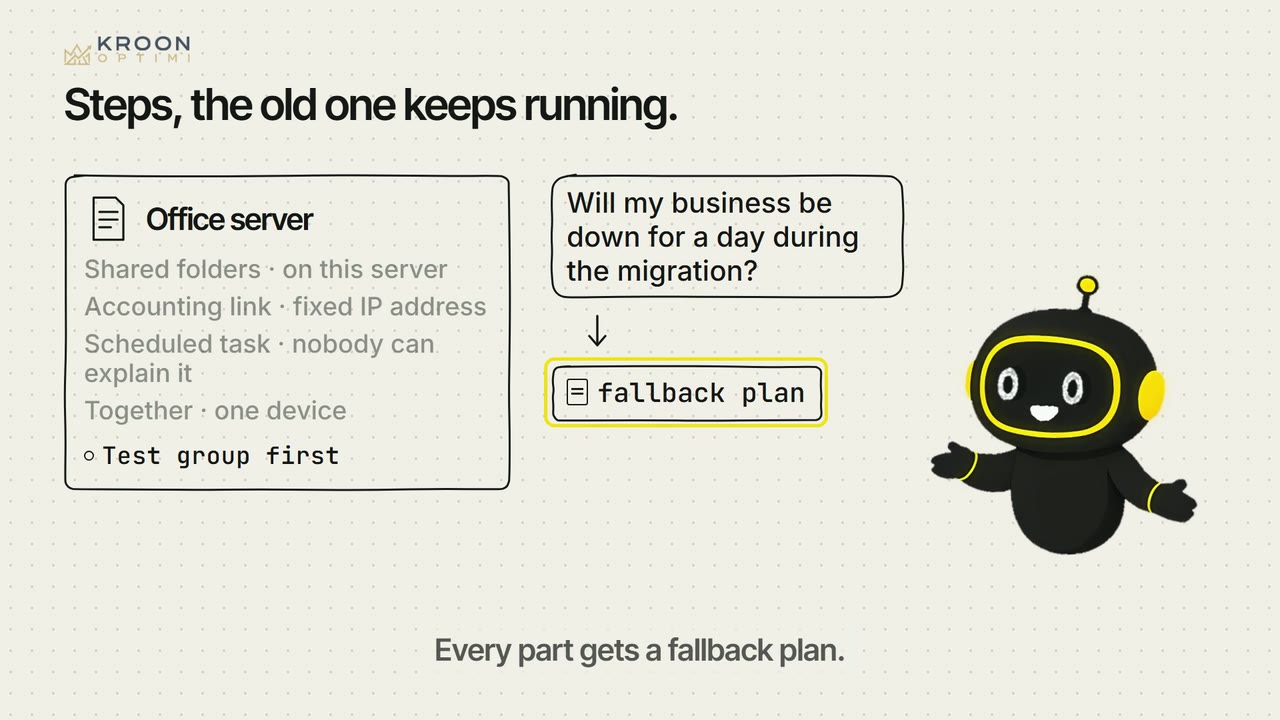
- You decide per system whether it moves to the cloud, stays local or stays put for now, and why.
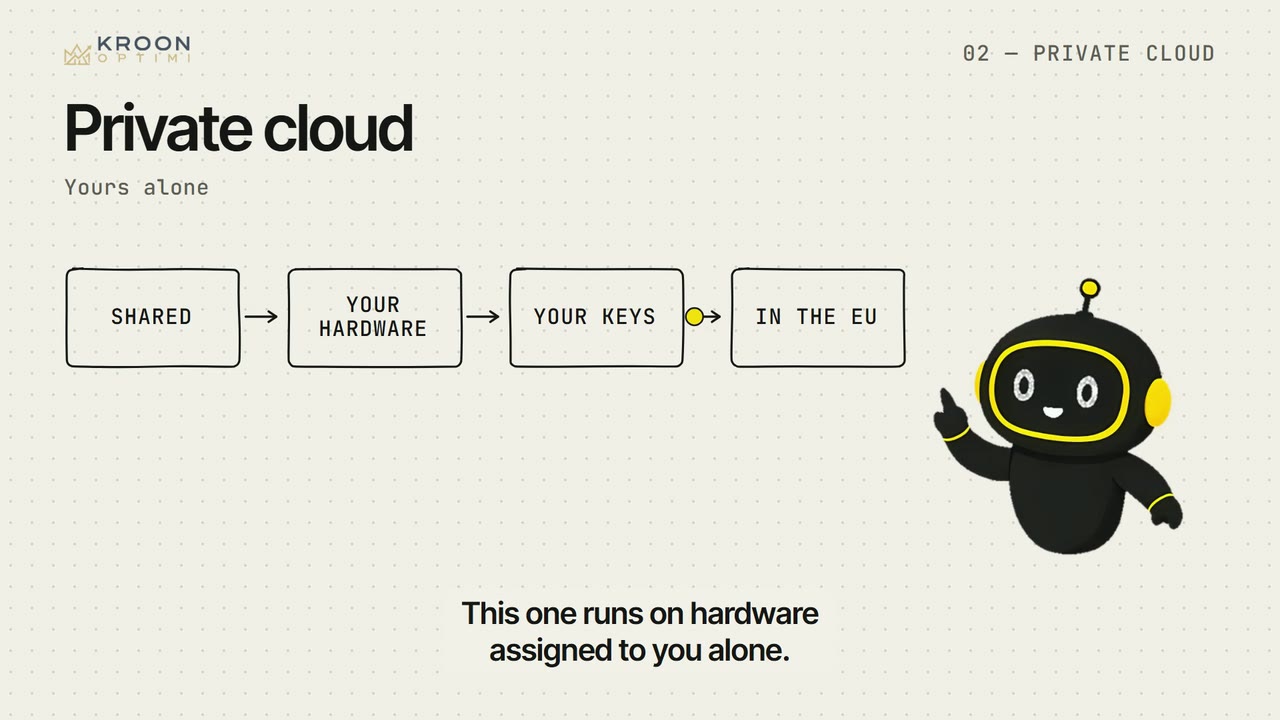
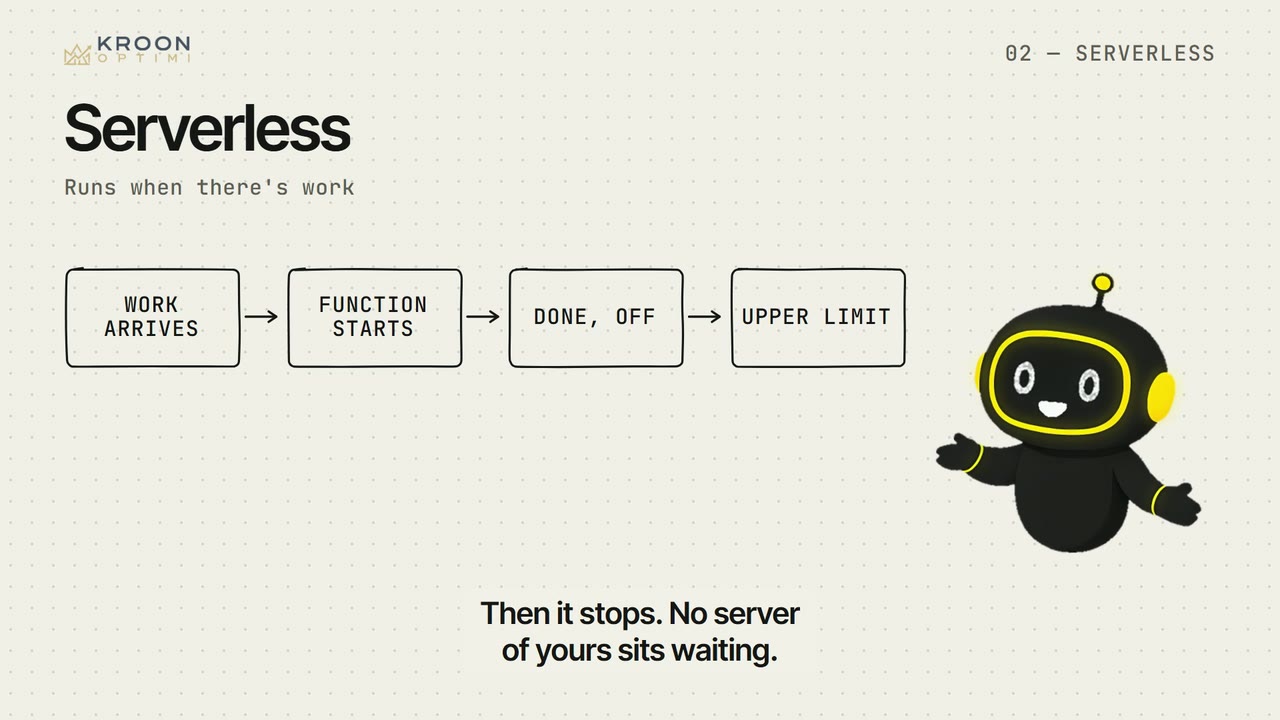
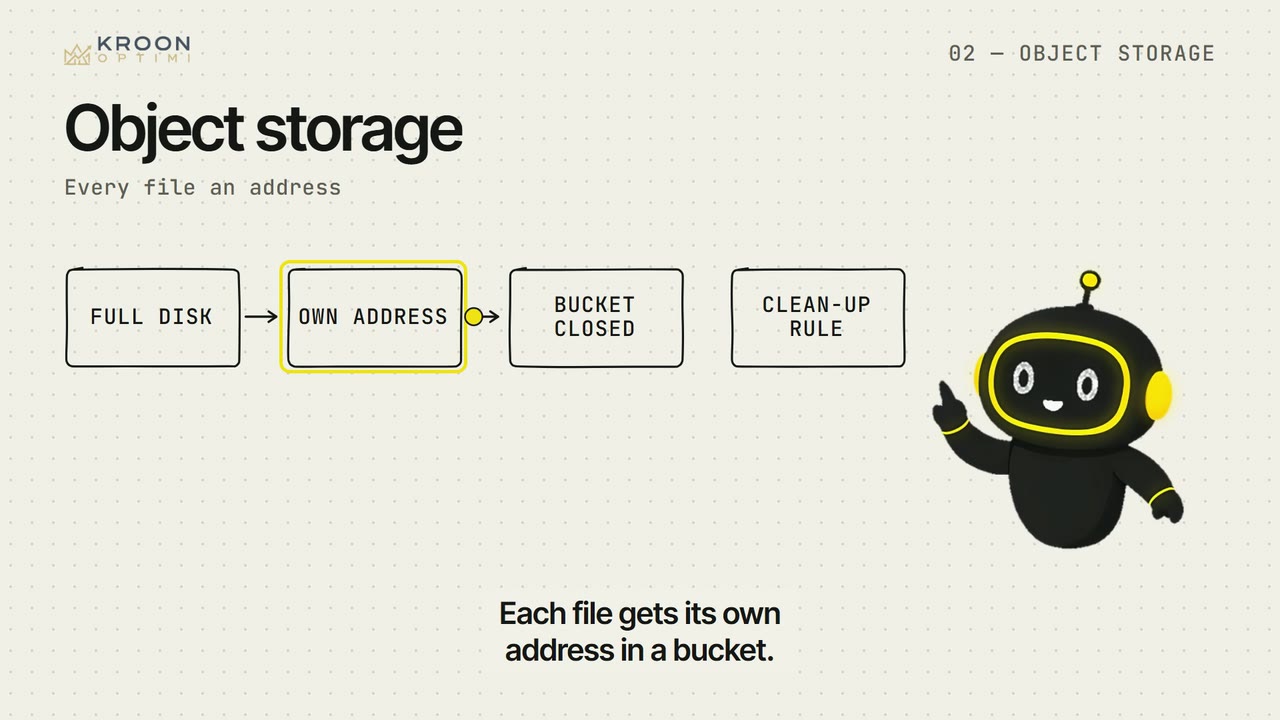
- You choose a fitting cloud form per workload and name where that form does not fit.
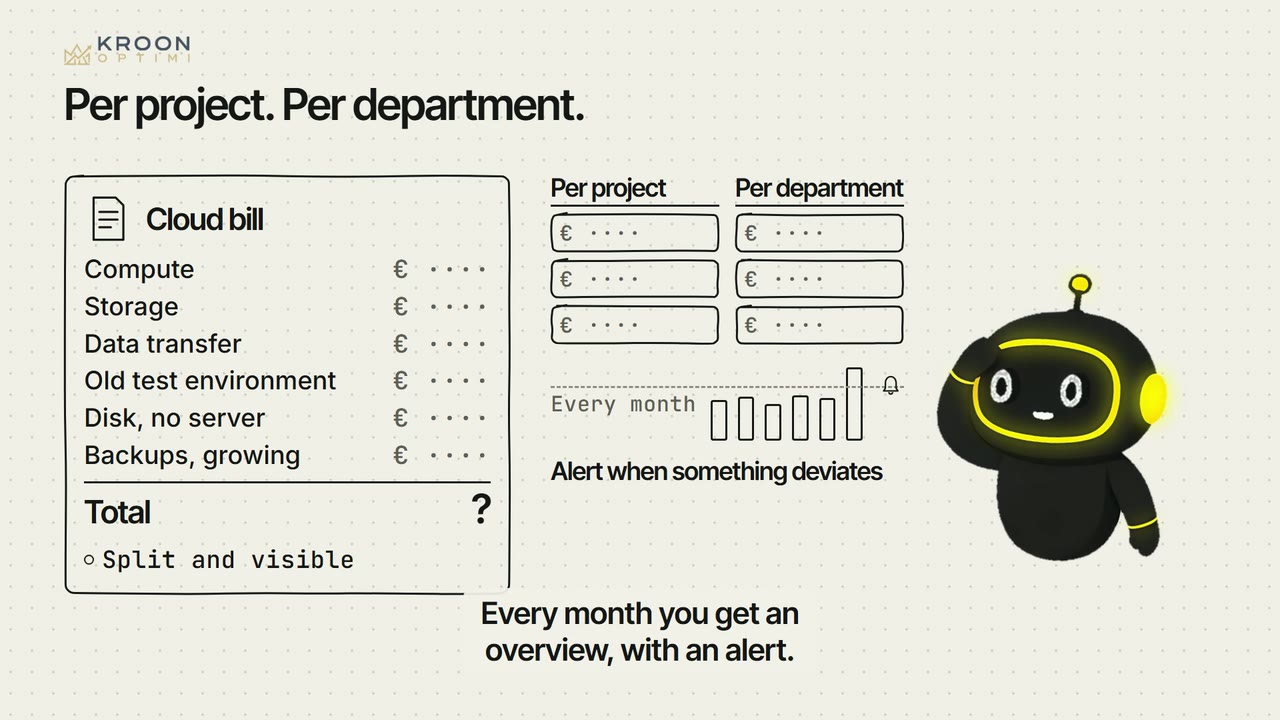
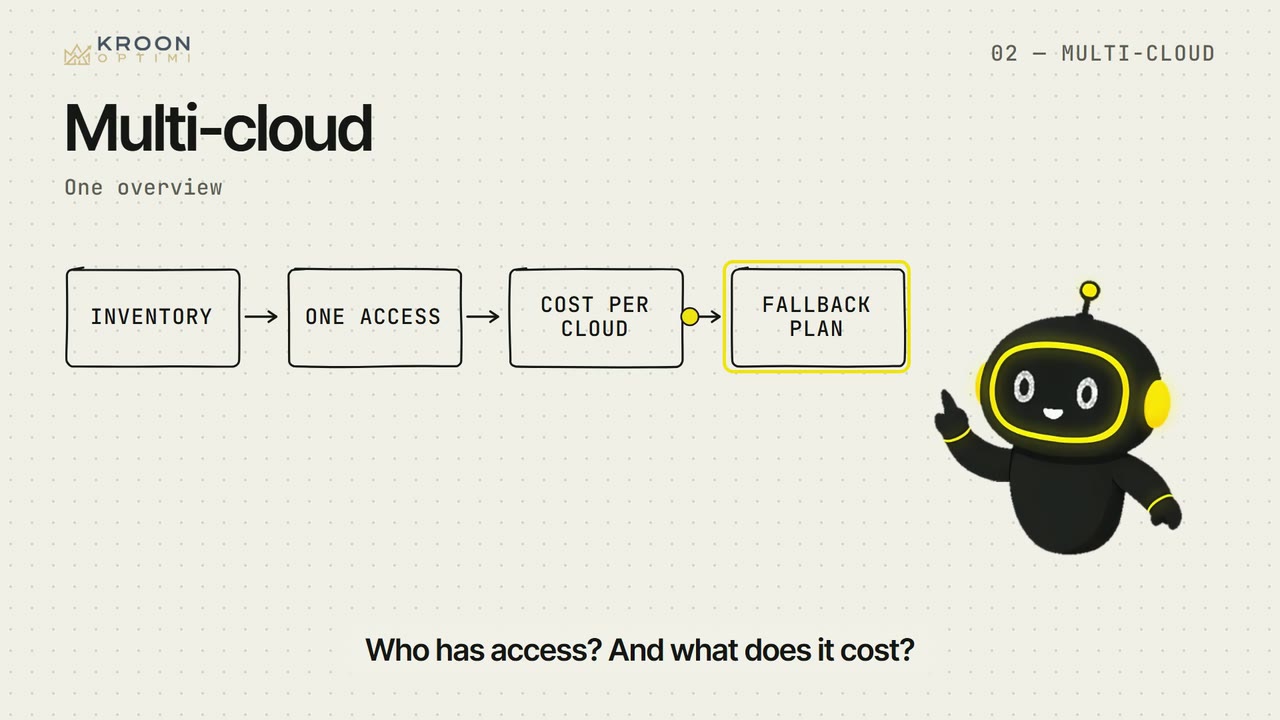
- You make visible what runs where, who has access, and what each part costs.